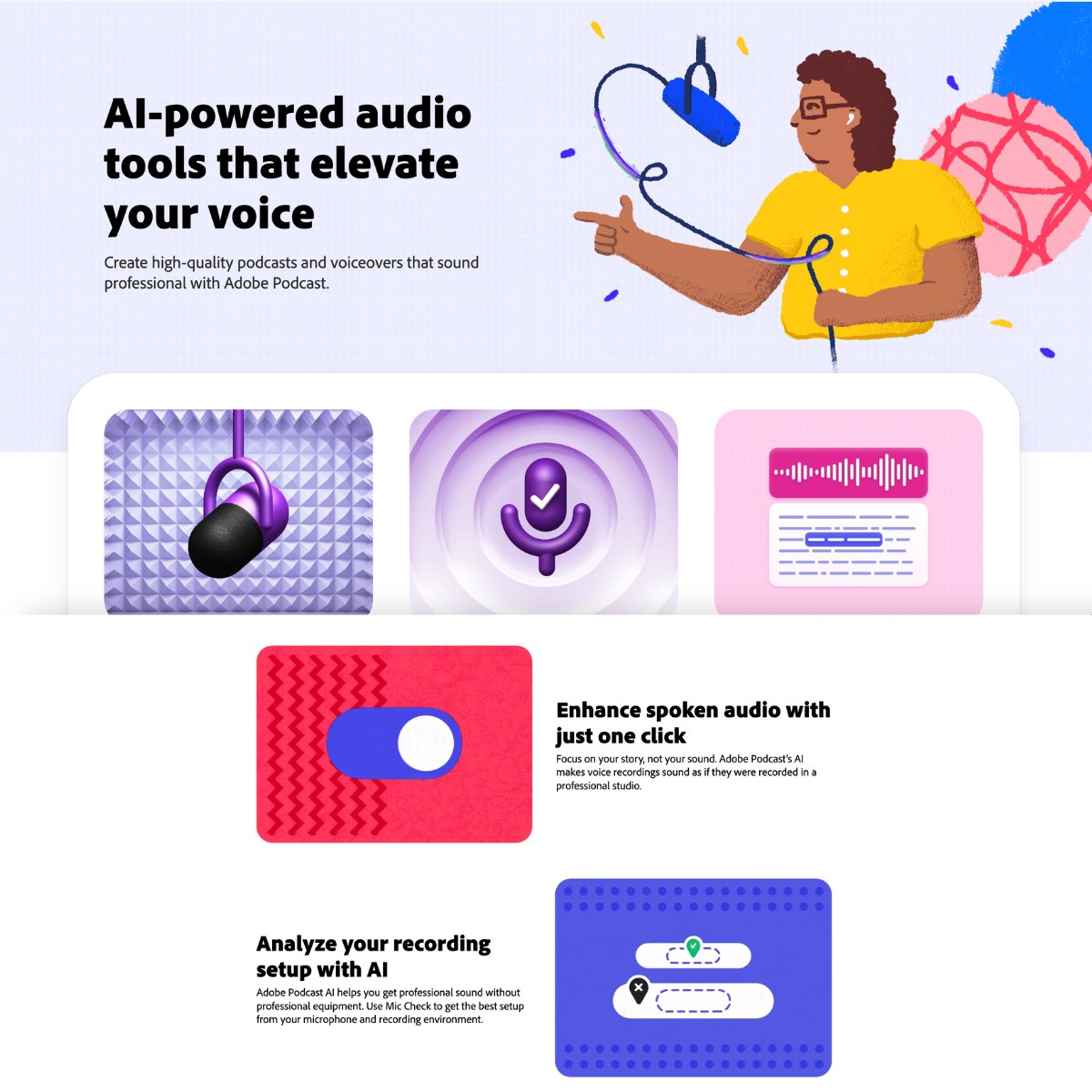
Adobe Podcast
Freemium
Tools for professional-quality podcasting without advanced gear or skills. Key features include speech enhancement, mic check, browser-based editing, AI transcription, remote recording, and royalty-free music.

AI podcast tools take over the slow parts of making a show. They clean up speech recorded in a noisy room and cut out filler words and long pauses. Once an episode is edited, they can also turn it into a transcript, show notes, a newsletter and a set of social posts. A newer group of tools generates the whole episode, turning a PDF or a web page into a conversation between two AI hosts.
Those are two different jobs, and most people searching for an AI podcast tool want one or the other. If you already record a show, you want the tools that help you edit and publish it. If you'd rather listen to a long report than read it, look at the podcast generators further down. This page covers both, starting with the tools for podcasters who record their own episodes.
Whichever kind you use, check what it produces before anything goes out. The checklist near the end of this page covers what usually goes wrong.
Tools for professional-quality podcasting without advanced gear or skills. Key features include speech enhancement, mic check, browser-based editing, AI transcription, remote recording, and royalty-free music.

Cleanvoice edits podcasts and spoken recordings with AI noise removal, filler cleanup, synchronized multitrack edits, transcripts, show notes, and timeline exports for further editing.

Castmagic converts lengthy audio files into short excerpts that retain the original content's key points. It's particularly helpful for companies trying to grow their business through podcasting and other forms of longform audio content.

Turns podcasts, webinars and meetings into transcripts and 75+ content formats, including articles, newsletters, recaps and social posts, with batch upload from RSS and YouTube.

Scribelyn transcribes podcasts, videos, YouTube links and Zoom calls, then turns each recording into blog posts, social posts, emails and client summaries using 70+ templates.

LALAL.AI separates vocals and instruments, cleans spoken audio, removes echo, and provides voice changing across web, desktop, mobile, VST, and API tools.

WhisperWeb transcribes audio and video locally in your browser, with editable captions, English translation, and free TXT, SRT, and VTT exports without an account.

SpotScribe turns Spotify podcasts and uploaded recordings into transcripts, generates AI summaries, and lets you ask questions about episodes, with document and subtitle exports.

OpenArt combines AI image, video, character, audio, and editing tools, including a Director workflow that generates complete video podcasts from scripts and ideas.

VisionStory creates talking avatar videos from photos, scripts and audio, with AI scene planning, multilingual voices, video podcasts and conversational editing for business content.

Wistia's AI video editor, formerly Wistia Remix, that edits your own footage into recaps, highlight reels and social clips from plain-language instructions.

Descript edits video and podcasts by editing the transcript, with Underlord as an AI co-editor, Studio Sound audio cleanup, filler word removal, voice cloning, clips and remote recording.

Eddie AI transcribes and logs interview footage and builds rough cuts by chat, then exports the edit to Premiere, Resolve, Final Cut or Avid.

Mubert generates royalty-free music for videos, podcasts, streams and apps from a chat prompt or a mood and genre, with stem splitting and a Content ID checker.
| Tool | Best for | Pricing |
|---|---|---|
| Adobe Podcast | Fixing poor audio with Enhance Speech | Freemium |
| Descript | Editing audio and video by editing the transcript | Freemium |
| Cleanvoice | Removing filler words and mouth sounds | Paid |
| Castmagic | Show notes and social posts from each episode | Paid |
| Deciphr | Repurposing a back catalog through RSS or YouTube | Freemium |
| Scribelyn | Written content from episodes and client calls | Freemium |
| LALAL.AI | Separating a voice from music and room noise | Freemium |
| WhisperWeb | Private transcription inside your browser | Free |
| SpotScribe | Transcribing Spotify episodes from other shows | Freemium |
| Gemini Notebook | Audio Overviews generated from your own sources | Freemium |
| ElevenLabs | Scripted, voiced podcasts made from documents | Freemium |
| OpenArt | Video podcasts with AI hosts on a set you describe | Freemium |
| VisionStory | Video podcasts with animated avatar hosts | Freemium |
| Riverside Audio Transcription | Free transcription of longer recordings | Free |
Try starting with the part of your workflow that takes the longest. For most independent podcasters, that's editing, which means listening back through an hour of conversation to cut out false starts and the ten minutes where a guest's dog wouldn't stop barking. For a marketing team, the slow part usually comes after the edit, when one episode has to become a blog post, a newsletter, a YouTube description and a week of LinkedIn posts.
Then think about the recording itself. AI cleanup can rescue speech recorded in an echoey room, but it can't pull apart two people talking over each other on a single microphone. A decent microphone and a separate track for each speaker still make every tool on this page work better.
Adobe Podcast is best known for Enhance Speech. You upload a voice recording made on a laptop microphone or in a kitchen with hard walls, and it comes back sounding much closer to a studio recording. Heavy processing can make a voice sound slightly artificial, so listen to the result on headphones before you replace the original file.
The same browser app includes Mic Check, which listens to your setup before you start recording, and a remote studio that records each guest as a separate WAV track. Its editor transcribes every word with the same transcription Adobe uses in Premiere Pro, so you can cut audio by deleting text. Adobe Podcast can also remove background music from a video and add captions for social clips.
Cleanvoice handles a job that's tedious by hand. It finds filler words, mouth sounds, breaths and long pauses and removes them, while keeping each speaker's track in sync on multitrack recordings. Filler detection works in several languages, including French, German, Romanian and Arabic. If you want to make the final decisions yourself, you can export the cuts as a timeline and review them in a compatible editor. It writes transcripts and show notes as well, and it adds timestamps for the chapters it detects.
LALAL.AI is mainly a stem separation tool for musicians, but its Voice Cleaner helps when a recording has background music or microphone rumble that has to go. Its echo and reverb remover is worth trying on an episode recorded in a room that sounds like a bathroom.
Descript is the editor that made transcript editing popular, and it's still the most complete option for shows that publish video as well as audio. It transcribes your recording, and deleting a sentence from the text deletes it from the audio and video as well. Underlord, Descript's AI co-editor, can remove filler words and retakes or write episode titles and show notes. It also looks for moments that could work as social clips.
Studio Sound cleans up voices recorded over a phone line or in a noisy place, and Regenerate lets you fix a mispronounced name by typing the correct word. For interviews, Descript Rooms records each remote guest on their own computer in up to 4K video, so a bad internet connection doesn't spoil the recording. The free plan includes an hour of media a month and adds a watermark to exports.
Adobe Podcast's editor also works from the transcript. It's simpler than Descript, and that's fine for an audio-only show that doesn't need a full video editor.
The written material around an episode often takes longer than people expect, especially once a show publishes every week.
Castmagic transcribes each upload in more than 60 languages, then drafts timestamped show notes, summaries, newsletter issues, blog posts and social posts from it. Recurring prompts produce the same set of outputs for every new episode, and Magic Chat answers questions about a recording. It imports recordings from Zoom, Google Drive, RSS feeds and YouTube, and it can clip media and make audiograms. Plans are based on how many hours of recordings you transcribe.
Deciphr suits a show with a long back catalog. You can connect a YouTube channel or an RSS feed and process episodes in batches, and each recording becomes a transcript plus drafts in more than 75 formats, such as show notes and newsletter copy. An AI chat searches your whole library, which helps when you need a quote from an episode you recorded a year ago.
Scribelyn does similar work for podcasts and client calls, with more than 70 templates. A custom brand voice guides the drafts, and projects keep work separate by client or by show. That helps agencies that produce several podcasts.
Read every generated draft against the recording. These tools are quick at structure and summaries, but they sometimes attribute a quote to the wrong speaker or state a guest's opinion more strongly than the guest did.
If privacy matters, WhisperWeb runs OpenAI's Whisper model in your browser, so the recording never leaves your device. It's free and needs no account, and you can export the transcript as plain text or as subtitle files. Each file is limited to 20 minutes, though, so a full episode has to be split into parts first.
Riverside Audio Transcription is another free tool that handles longer recordings in more than 100 languages and exports SRT captions, although it doesn't label speakers. SpotScribe solves a different problem, because it transcribes Spotify episodes from other shows. That means researchers and writers can search an episode or ask questions about it without listening to the whole thing.
An AI podcast generator turns written material into an episode, usually as a conversation between two AI hosts. These episodes work well for studying and for getting through a long report while you're driving or at the gym. They're a harder sell as a public show, because the two hosts sound much the same whatever the topic, and the episode can only repeat what's already in your source material.
Gemini Notebook, the tool Google used to call NotebookLM, made this format popular with Audio Overviews. You add sources such as PDFs and web pages, and it generates a spoken discussion that sticks to that material. In supported modes, you can interrupt the hosts with your own questions while you listen.
ElevenLabs has a podcast workflow in its Studio editor called GenFM. You give it a document or a URL, and it writes a script from that source and voices it with ElevenLabs voices. Since the result opens as a Studio project you can edit, ElevenLabs is the better choice when you care about the finished episode more than a quick listen. Speechify can also turn a document or a short description into a podcast episode with the tone and depth you choose, which suits students reviewing course material.
Many people now watch podcasts on YouTube, so a lot of shows need video as well as audio. If you record on camera, OpusClip finds moments in a long episode that work as short vertical clips and reframes each shot to follow whoever is speaking. Descript and Castmagic can make clips too.
If nobody wants to appear on camera, OpenArt has an AI Podcast Video Generator that creates an episode with AI hosts on a set you describe, and you can revise individual scenes in plain language. VisionStory makes video podcasts with animated hosts from audio or a script. Its free plan limits each video to 30 seconds.
WhisperWeb and Riverside's transcription tool are both free. Adobe Podcast has a free plan with daily limits on Enhance Speech, and Descript, Scribelyn, SpotScribe, Gemini Notebook and ElevenLabs all have free plans or free credits. Free tiers usually cap how many minutes you can process each month, and some add a watermark to exported video. Cleanvoice offers a 30-minute free trial, while Castmagic is a paid tool.
For fixing poor audio, try Adobe Podcast first. Descript is the most complete editor if you want to edit audio and video by editing the transcript, and Castmagic or Deciphr will draft show notes and social posts from each finished episode.
Yes. Gemini Notebook's Audio Overviews and the GenFM workflow in ElevenLabs Studio both turn a PDF into a conversation between two AI hosts, and Speechify can make a podcast episode from a document too. The episode only covers what's in the file, so a clear, well organized source gives you a better result.
Adobe Podcast has a free plan. Enhance Speech and the browser recording studio both work without paying, with daily limits on how much audio you can process and download. A Premium plan raises those limits.
WhisperWeb transcribes files up to 20 minutes long inside your browser without uploading them, and Riverside's free transcription tool handles longer files in more than 100 languages. If you want a transcript of someone else's Spotify episode, SpotScribe works from the episode link.
Cleanvoice and Descript both find and cut filler words such as um and uh, along with long pauses. Cleanvoice also removes mouth sounds and breaths and keeps multitrack recordings in sync. Listen back afterward, because some pauses are part of how a person naturally talks.