
OpusClip
Freemium
OpusClip turns long videos into social clips and uses AI Producer to edit raw talking-head footage with captions, B-roll, graphics, audio, and chat-directed revisions.

AI clip makers and short-form video tools help you post vertical video for TikTok, Instagram Reels and YouTube Shorts without editing every clip by hand. Some take a podcast, webinar or stream and find the moments worth posting. Others start from a topic or a product link and generate the whole video, with a script, visuals, a voiceover and captions.
AI is good at the slow parts of short-form video: spotting highlights, reframing horizontal footage to vertical, adding captions and cutting pauses. It's less reliable at judging what your audience will find interesting, and auto-generated captions still get names and numbers wrong. Watch each clip before it goes out, and check that any faceless or avatar video meets the platform's rules on AI content.
The tools below are grouped by how they work: clip makers that repurpose long recordings, generators that make faceless videos from a topic, ad makers that produce UGC-style product videos, and editors for talking-head footage.
OpusClip turns long videos into social clips and uses AI Producer to edit raw talking-head footage with captions, B-roll, graphics, audio, and chat-directed revisions.

Klap turns long videos into short clips for TikTok, Reels, Shorts, and LinkedIn with AI editing, captions, reframing, and scheduling.

ClipFlare finds highlights in long videos and turns them into captioned vertical clips with reframing, multilingual tools, brand kits, scheduling, and direct publishing.

Wistia's AI video editor, formerly Wistia Remix, that edits your own footage into recaps, highlight reels and social clips from plain-language instructions.

Gling removes bad takes, pauses and filler words from spoken videos. Edit through a transcript, add captions, create short clips and export to professional editors.

Shoorts, now called Virvid, turns a topic into a faceless short video with AI script, visuals, voiceover and captions, and can auto-post a daily series to TikTok, YouTube and Instagram.

Hypernatural turns scripts, podcasts, ideas, product shots, and existing content into short form videos with AI visuals, narration, captions, B roll, and consistent characters.

Syllaby turns content topics into scripts and videos with idea research, voice cloning, browser editing and social scheduling, supporting faceless and avatar video creation.

Pro-grade marketing videos from a simple product link or text. Enjoy efficient production and customisation of social media, advertising, and marketing videos with a user-friendly platform.

Turn product links into AI presenter videos, product ads and static creatives, with scripts, voices, captions and revisions handled through a chat interface.

avii creates an AI influencer, generates photos and short videos, remakes trends, adds lip sync and publishes content to major social platforms.

Cliptalk turns ideas, scripts and product links into social videos, with AI presenters, captions, voiceovers and conversational editing through its editor or compatible AI assistants.

VidAI turns a topic into short or long form videos with editable AI scripts, voiceovers, captions, assembled visuals, and plan based production allowances.

Stivio turns a single photo and motion prompt into a 3 to 30 second HD MP4 using six selectable AI video models.

Pictory's AI video agent turns ideas, scripts, URLs, slides and recordings into finished videos with stock footage, ElevenLabs voices, captions and avatars, editable scene by scene.

ViralKey turns songs or images into short AI music videos, with character consistency, beat aware templates, editable visual styles, and direct publishing for social channels.

MakeUGC creates UGC-style video ads with more than 1,000 AI actors, product-in-hand videos, Veo and Kling models, batch variations and an MCP server.

Klaylab uses AI to adapt viral formats and coordinate human creators and editors, delivering finished short form UGC without manual casting or production management.

Fastlane turns product websites and trending formats into short-form social content, then schedules posts across TikTok, Instagram Reels, YouTube Shorts and LinkedIn.

Video Transcription AI turns uploaded videos and links from sites like YouTube and TikTok into free transcripts, subtitles, summaries and translations without signing up.

AI short-form video editor that adds captions in 123 languages, removes silences, inserts B-roll, turns long videos into clips and schedules them to TikTok and Reels.

Turns long videos into short social clips with captions, cropping, and platform-specific formattin. Ready to post on TikTok, Reels, and Shorts in seconds.

Create faceless videos, viral clips, and AI-generated stories from any script, video, or Reddit post. Short AI automates editing, captioning, and posting.

AutoShorts creates faceless short videos with AI from a topic you choose, in styles from comic book to Minecraft, and auto-posts them to TikTok, YouTube, Instagram and Facebook.

Jupitrr edits talking-head videos automatically, adding B-roll, subtitles, hooks and music, then helps you script, record with a teleprompter and publish to YouTube, Instagram, TikTok and LinkedIn.

Munch Studio is an AI social media manager that learns your business, then writes, designs and schedules posts to Instagram, Facebook, LinkedIn, YouTube and TikTok.

Eddie AI transcribes and logs interview footage and builds rough cuts by chat, then exports the edit to Premiere, Resolve, Final Cut or Avid.
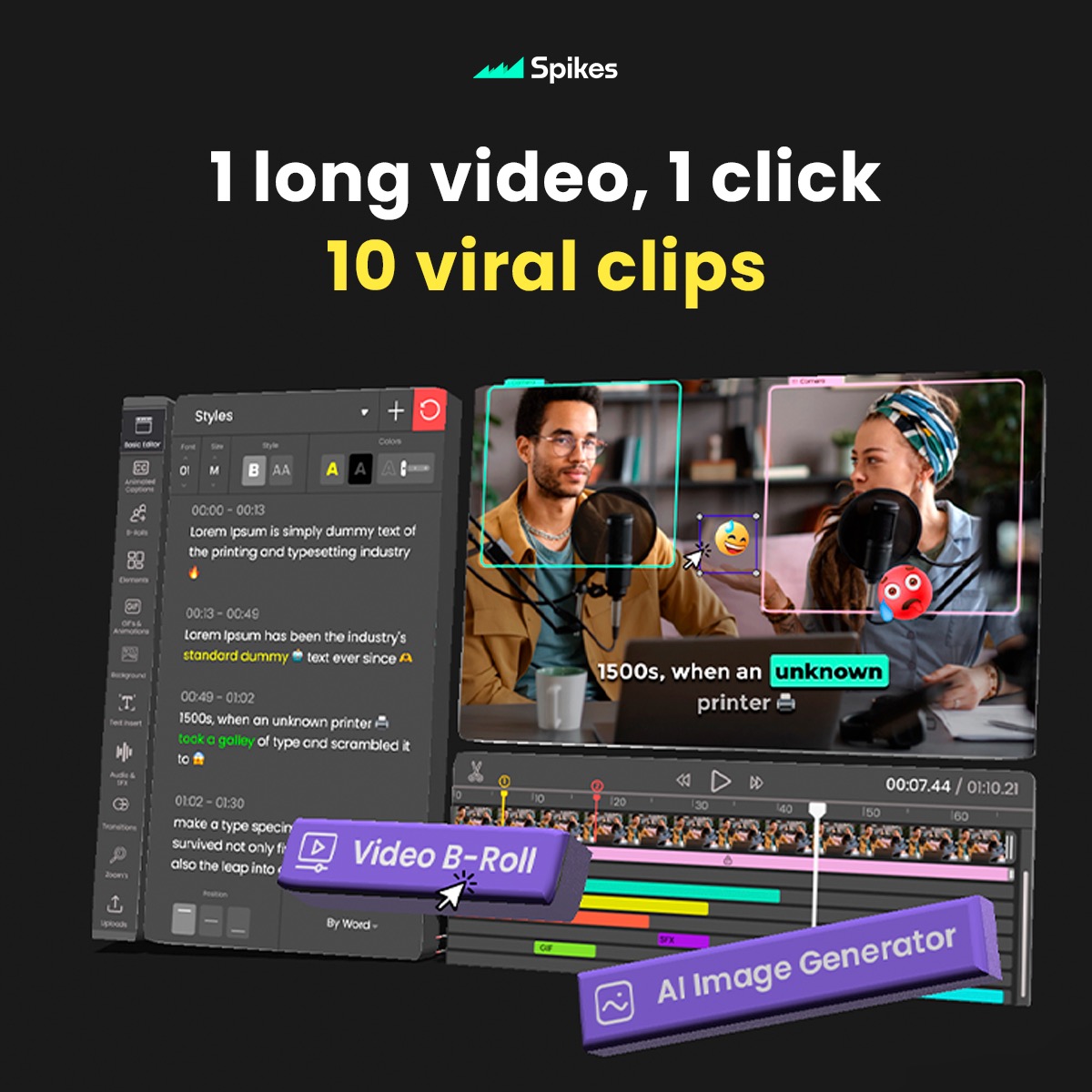
Spikes Studio is an AI clip maker that finds the best moments in long videos and turns them into captioned vertical shorts, sized for each social platform.

Hooked is a one-time-purchase UGC ad course with an AI app that generates avatar videos on your own API keys and publishes them to TikTok and Instagram.
| Tool | Best for | What it does | Pricing |
|---|---|---|---|
| OpusClip | Turning podcasts and streams into clips | Finds highlights in long videos, reframes them to vertical and adds captions and B-roll | Freemium |
| Klap | Creators posting clips every day | Cuts long videos into captioned shorts and schedules them to each platform | Paid |
| ClipFlare | Brands with several languages | Highlight clips with brand kits, multilingual captions and direct publishing | Freemium |
| Mochine | Editing webinars and events by chat | Edits your own footage into recaps and social cuts from plain-language instructions | Freemium |
| Gling | YouTubers who record talking-head video | Removes bad takes, pauses and filler words, then makes short clips | Freemium |
| Virvid | Faceless channels | Turns a topic into a faceless short and can post a daily series automatically | Paid |
| Hypernatural | Explainers and stories | Makes short videos from scripts, ideas or podcasts with AI visuals and narration | Freemium |
| Syllaby | Planning and posting a content calendar | Scripts, faceless or avatar videos, scheduling and analytics in one workspace | Paid |
| Creatify | Product video ads | Turns a product link into UGC-style ads with AI avatars | Freemium |
Start with your source material. If you already record podcasts, webinars or streams, a clip maker like OpusClip, Klap or ClipFlare gets the most out of what you have. If you start from an idea and have no footage, a generator like Virvid, Hypernatural or Syllaby builds the video for you.
Decide whether a person should be on screen. Talking-head editors such as Gling and Jupitrr polish recordings of you. Faceless tools rely on stock or AI visuals with a voiceover, and avatar tools like Creatify and MakeUGC put an AI presenter in front of the camera.
Check exports and branding. Free plans usually add a watermark, cap clip length or limit monthly minutes. Look for brand kits, caption styles you can edit, and direct publishing or scheduling if you post every day.
Review before posting. Clip makers pick moments by signals like energy and keywords, which isn't the same as your judgment. Trim each clip, fix captions, and add your own hook where the AI's opening is weak.
OpusClip is the best-known option for turning podcasts, streams and webinars into vertical clips, with reframing, captions and B-roll. Klap and ClipFlare do the same job, with Klap focused on daily posting and ClipFlare on brand kits and multiple languages.
Yes. Virvid, Hypernatural, Syllaby and VidAI turn a topic or script into a faceless video with visuals, a voiceover and captions. Creatify and MakeUGC use AI avatars instead, which suits product ads.
OpusClip, ClipFlare, Gling, Hypernatural, Short AI, HiClip and Mochine have free plans or free starts. Expect watermarks, shorter exports or a monthly minute limit until you upgrade.
Most do. They transcribe the audio and burn in animated captions you can restyle. Proofread them, since names, numbers and accents are common sources of errors.