
 TRY IT
Eddie AI
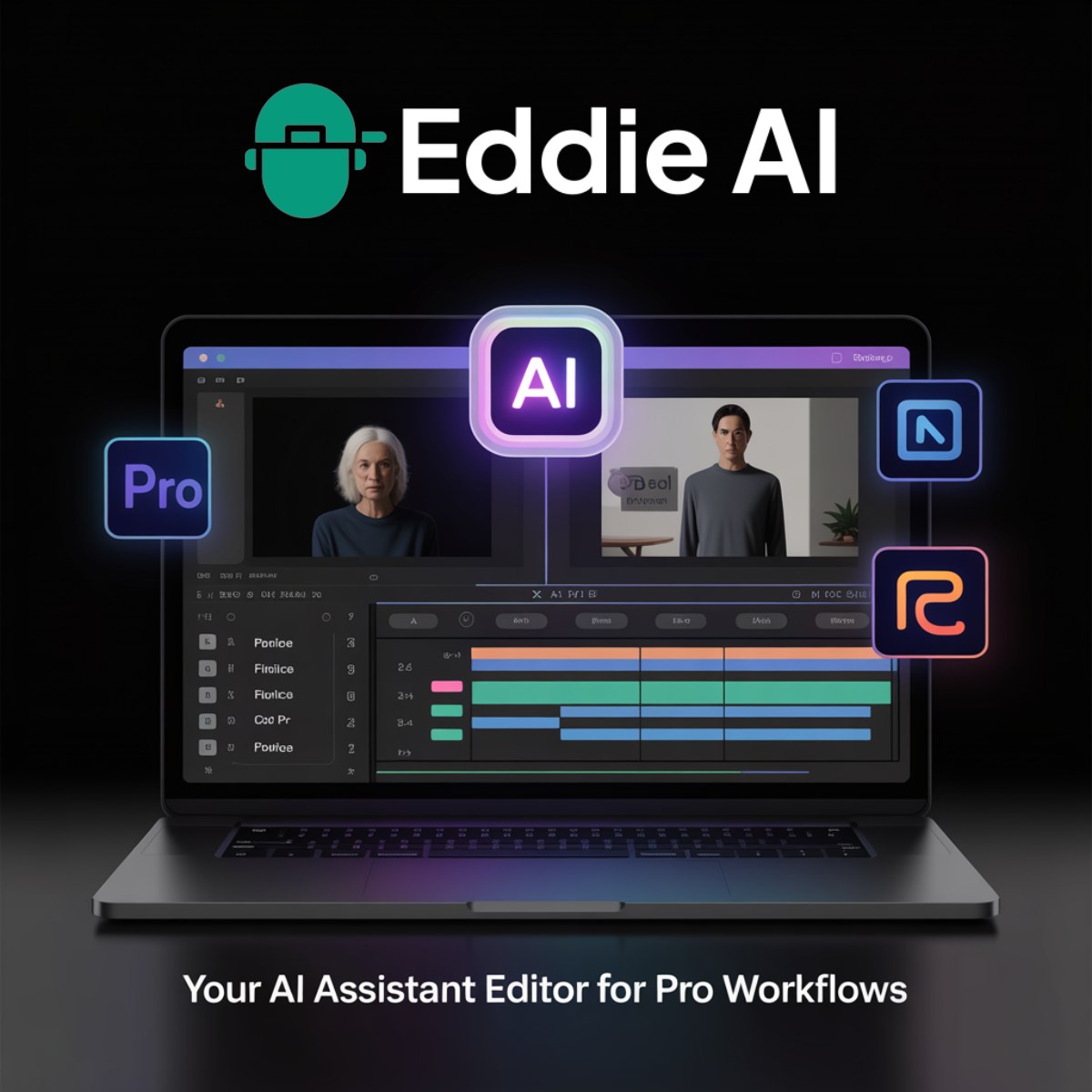
Eddie AI is an AI video editor that builds rough cuts from raw footage. You upload interviews or a whole day's shoot and describe the story you want. Eddie transcribes and logs everything, then assembles a first cut. You can keep refining it by chat inside Eddie, or send the timeline to Premiere Pro, DaVinci Resolve, Final Cut Pro or Avid with the original clips relinked. Eddie says more than 60,000 video professionals use it, including teams at Amazon, NVIDIA and OpenAI.
It's built for interview-driven work such as documentaries, corporate and branded video, podcasts and YouTube episodes. Eddie also has dedicated workflows for production companies, universities, college athletics and churches. For a wider view of the category, see our lists of AI video editing tools and podcasting tools.
Footage logging and rough cuts
Eddie transcribes footage in 97 languages and makes every interview searchable. It tags each B-roll shot by subject and movement and names the speakers in every clip. Multicam angles are synced, so the edit cuts to whoever is talking. From there you can ask for a rough cut in plain words or cut to a script take by take. Eddie can also pull captioned vertical clips for social media out of one long video.
That logging work is what sets Eddie apart from transcript editors like Descript, which edit a recording by editing its text, and from cleanup tools like Gling, which strip silences and bad takes from talking-head videos. If you only need a transcript or subtitles, a dedicated tool such as Video Transcription AI or RecCloud is simpler.
Polish and delivery
Beyond the cut, Eddie handles color grading, titles and motion graphics, word-level captions, stock B-roll, speed ramps, stabilization and reframing. On the audio side it generates music, adds voiceover, cleans up speech and dubs into other languages. You can export a finished MP4 or hand the edit to your NLE for the final pass.
Some editors still pair it with specialists. fylm.ai goes further on color grading and film looks, and Cleanvoice focuses on podcast audio cleanup. For quick social edits, browser editors like CapCut and FlexClip are lighter options.
Social clips from long videos
Eddie's social clip feature covers the basics, but some tools are built around that one job. OpusClip, Klap, ClipFlare and Spikes Studio find highlights in long recordings and reframe them for TikTok, Reels and Shorts, while Submagic specializes in captions. Our short-form video page compares more of them.
Edit from an AI assistant or code
You can use Eddie in the browser or on iPhone, and GPU-enabled desktop apps cover Mac and Windows. It also works as a connector for Claude and ChatGPT, so you can import footage into Eddie and then ask either assistant for the cut. Developers get an API and MCP server with 118 tools that coding agents such as Codex and Cursor can call. You can even text Eddie a clip over iMessage.
Pricing
Eddie AI has no subscription. New accounts get 500 free credits, about two hours of footage, with no card required. After that you buy credit packs that never expire, and every pack includes every feature. Importing footage and each edit use credits, and Eddie shows an estimate before larger jobs run. Enterprise plans add security and admin controls for large teams.
Is Eddie AI secure?
Eddie AI is SOC 2 Type I and Type II audited and GDPR compliant, and the company says your footage is never used to train its models.
Alternatives to Eddie AI
- Descript: Edits video and podcasts by editing the transcript, plus Studio Sound for cleaning up voices.
- Gling: Removes bad takes, pauses and filler words from spoken videos, and lets you edit through a transcript.
- Mochine: Wistia's AI video editor that turns your own footage into recaps and highlight reels.
- Jupitrr: Edits talking-head videos automatically, adding B-roll, subtitles, hooks and music.
- Runway: AI video platform with the Gen-4.5 model and a creative suite for generating and editing video.
- Filmora: Cross-platform video editor with AI features, for anyone moving up from mobile apps.
- OpusClip: Turns long recordings into social clips, with captions, B-roll and chat-directed edits.
- Klap: Converts long videos into short clips for TikTok, Reels, Shorts and LinkedIn.