 TRY IT
 Adobe Podcast
Adobe Podcast AI, still in beta, has tools for podcasters to get pro-level audio quality without fancy gear or tech skills. With its emphasis on enhancing speech clarity, simplifying audio editing, and delivering professional-grade recording capabilities, this service might just shake up the world of audio content creation.
Core Features and Benefits
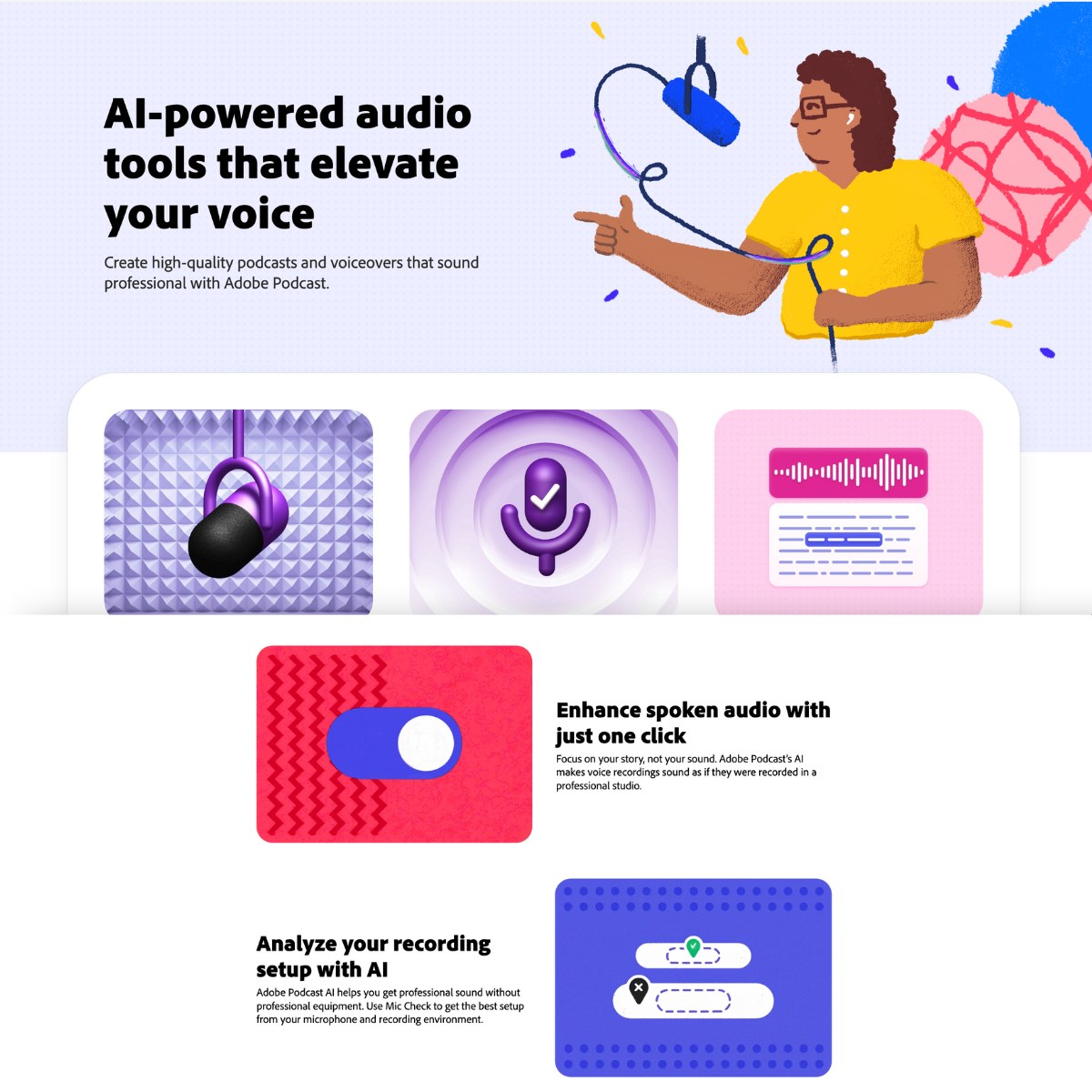
1. Enhance Speech: Eliminate background noise and echo for a professional studio sound. Great for podcasters in less-than-ideal settings.
2. Mic Check: Analyzes microphone setup and gives feedback to improve sound quality before recording. It guarantees a clean starting recording.
3. Studio: Edit and enhance audio directly in your browser with Studio, a web app that supports seamless multitrack recording for discussions with multiple participants.
4. AI Transcription: Converts speech to text using the same tech as Adobe Premiere Pro. Just cut and paste the text to edit it.
5. Remote recording: Professional-grade recording with remote guests captures individual audio tracks in high-quality WAV format, even with poor internet conditions.
6. Pre-Edited Royalty-Free Music: Provides podcasters with a polished finish at no extra cost or effort.
Applications
- Podcasters: Ideal for individuals or teams aiming to produce high-quality audio content without investing heavily in equipment.
- Marketers and Content Creators: Useful for creating voiceovers for videos or animations.
- Educators and Trainers: Can be used for creating clear and engaging educational content.
- Interviewers: Enhances the quality of recorded interviews by reducing background noise and ensuring clear speech.
This tool is for casual podcasters, semi-professional content creators, marketers, educators, and anyone looking to produce high-quality audio content efficiently. You might not have access to professional recording studios or advanced technical skills, but this is the next-best thing and may even replace the previous technologies as it grows.