 TRY IT
 Pixnova AI
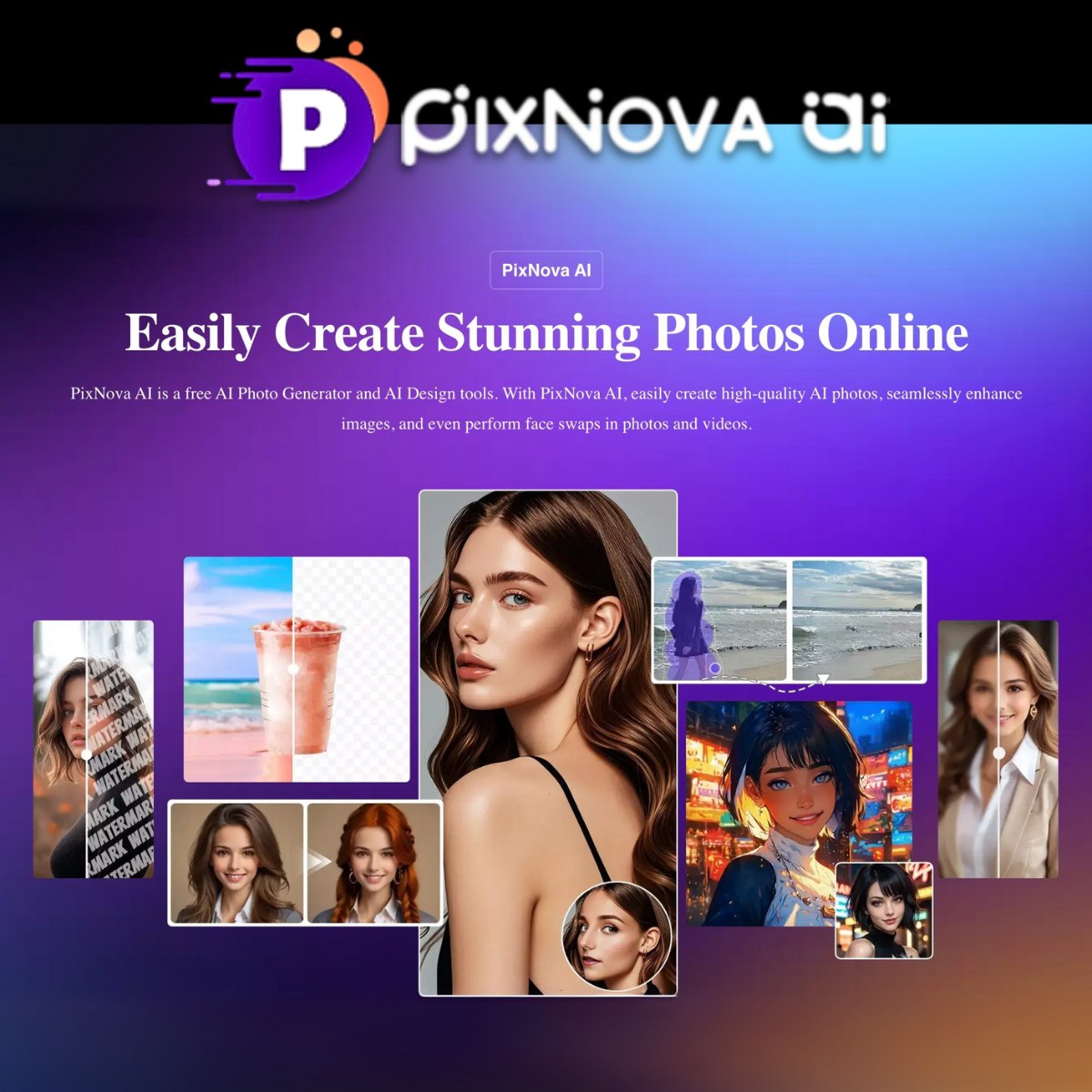
PixNova is a free online suite of AI image and video tools that brings together lots of useful tools for all kinds of use cases: image generation, enhancement, background and object removal, face swapping for images and videos, upscaling, headshot creation, anime filters, and text-to-video generation.
This browser-based platform doesn’t need downloads or logins, and its outputs are watermark-free. For quick processing, just drag and drop an image or type a text prompt. User privacy is maintained by encrypting uploaded files, which are then deleted.
Certain tools, like the “AI Baby Generator” and “AI Hug/Kissing Video Generator,” are primarily designed for amusement. Others, like the upscaler, enhancer, and background remover, offer practical utility for various users, including e-commerce sellers, marketers, and designers. The face swap works really well on photos, GIFs, and videos.
PixNova is genuinely free to use with no credit system or hidden costs. This is especially appealing to everyday creators, students, and small businesses looking for budget-friendly software.
PixNova provides a convenient all-in-one hub for everyday image and video editing needs. It’s fast, lightweight, and practical, while also offering fun options for creative exploration.
Features
- AI image generator (text-to-image)
- Face swap for photos, videos, and GIFs
- AI image upscaler (up to 4x resolution)
- AI photo enhancer (lighting, sharpness, clarity)
- Background remover
- Object and watermark remover
- AI headshot generator
- Photo-to-anime and photo-to-sketch converters
- AI hairstyle, clothes, and expression changer
- AI baby generator
- AI text-to-video and image-to-video generation
- Cloud integration (Google Drive, Dropbox)
- Secure, browser-based, no login required
<h2>Alternatives to PixNova AI</h2>
<ul>
<li><strong><a href="https://aitoolsdirectory.com/tool/live3d-ai-image-editor">Live3D AI Image Editor</a></strong>: A strong alternative for users who like PixNova's browser-based editing style but want more prompt-driven control. Live3D lets you retouch, restyle, and transform photos using text prompts, with multiple AI models and export sizes. It is less of an all-in-one toolbox than PixNova, but better suited to natural-language image edits.</li>
<li><strong><a href="https://aitoolsdirectory.com/tool/dzine">Dzine</a></strong>: Better for creators who need more control over composition and editing precision. Dzine offers text-to-image, image-to-image, generative fill, object removal, 2D-to-3D conversion, and a canvas-based interface. If PixNova is the fast utility hub, Dzine is the more structured creative workspace.</li>
<li><strong><a href="https://aitoolsdirectory.com/tool/photiu-ai">Photiu AI</a></strong>: A simpler alternative for users who mainly need background removal, object cleanup, and upscaling. Photiu does not try to match PixNova's full image-and-video toolbox, but it is fast, free to use, and useful for quick photo fixes without creating an account.</li>
</ul>