
 TRY IT
Dzine
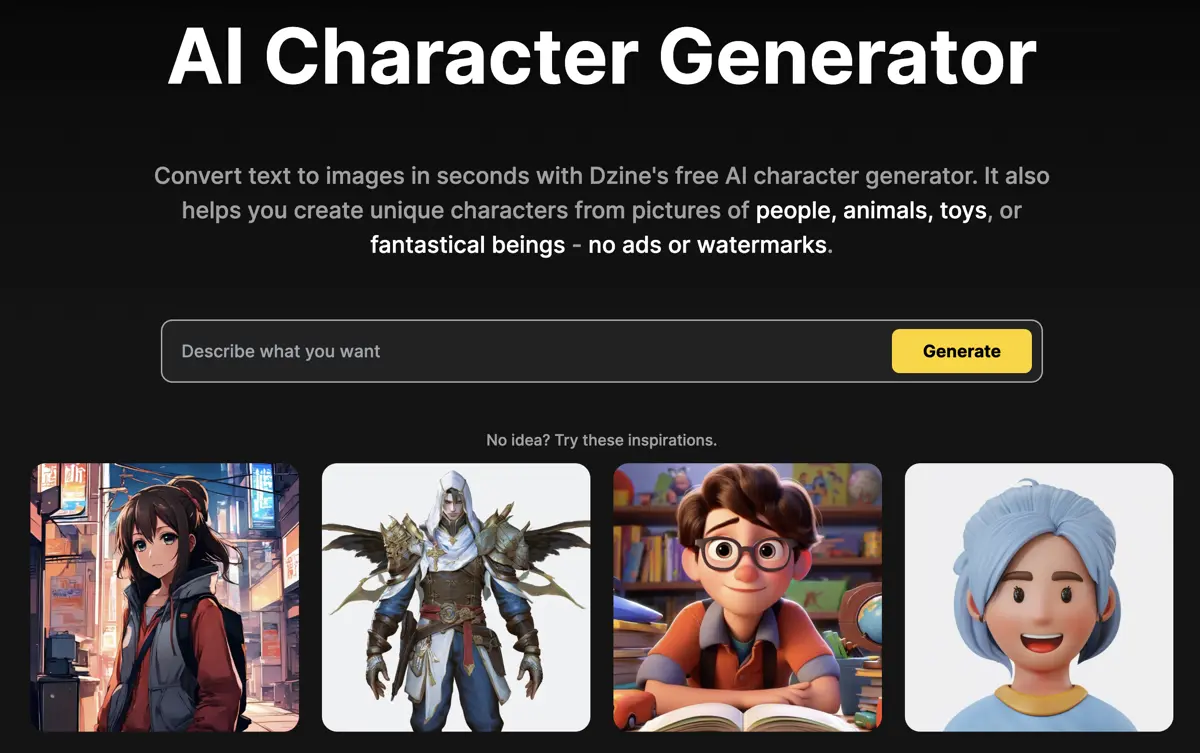
Dzine combines AI image editing, video generation and talking-character tools in a browser workspace. You can create visuals from prompts or reference images, refine a composition, and turn still images into animated clips or speaking avatars. It covers product visuals, social content, character concepts and short promotional videos.
Image editing includes a layer-based canvas for positioning elements, generative fill, object removal, background changes and enhancement. Chat Editor adds instruction-based changes, such as adjusting lighting or replacing a background. Consistent-character tools help carry a character across different images, while style presets provide a starting point for visual direction.
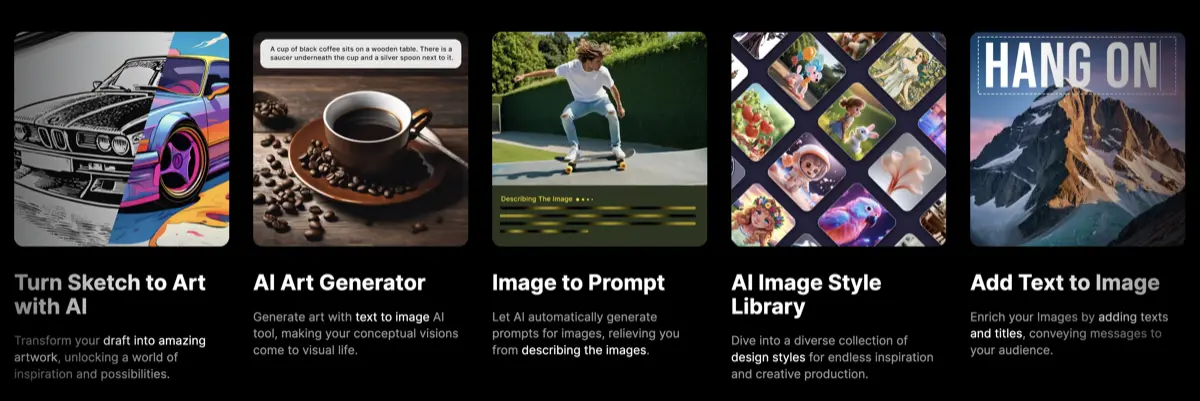
Video workflows accept text, images, existing footage and references. Multiple model families are available, with different credit costs and output options. You can work on a still image before using it as the basis for a clip, rather than treating image creation and animation as unrelated tasks.
Lip sync and talking avatars add speech to visual characters. Multi-character lip sync supports scenes with more than one speaker, alongside dialogue, podcast and text-to-speech tools. These are useful for scripted explainers and character conversations, but check timing, facial movement and voice quality before publishing. Get permission before using a real person's likeness or voice.
Dzine has a free signup allowance and paid subscriptions. Its unified credit balance covers image, video and other AI tools; consumption varies by model, duration and settings. Free credits do not refresh daily. Paid plans differ in storage, simultaneous jobs, private generation, enhancement options and credit rollover, so compare the tools you expect to use rather than a single headline limit.
Key Features
- AI image generation with reference images and style controls.
- Layer-based composition, generative fill and object removal.
- Conversational image changes through Chat Editor.
- Text, image, video and reference-based video generation.
- Talking avatars and multi-character lip sync.
- Consistent-character creation, image enhancement and 3D tools.
- A shared credit balance across supported AI tools.
Alternatives to Dzine
- OpenArt: AI image and video creation with character tools, editing and audio workflows.
- AKOOL AI: Video generation, talking avatars, face swapping and video translation.
- Fotor: Online photo editing, background removal, object cleanup and generative image tools.
- Sketch To: Turns photos into pencil, charcoal or watercolor sketches and turns hand drawings into realistic images.
- Media.io: Wondershare's AI video, image and music platform with story and product ad studios.
- Photoshop Generative AI: Generative Fill, Generative Expand and other AI editing tools inside Adobe Photoshop.