 TRY IT
 Photiu AI
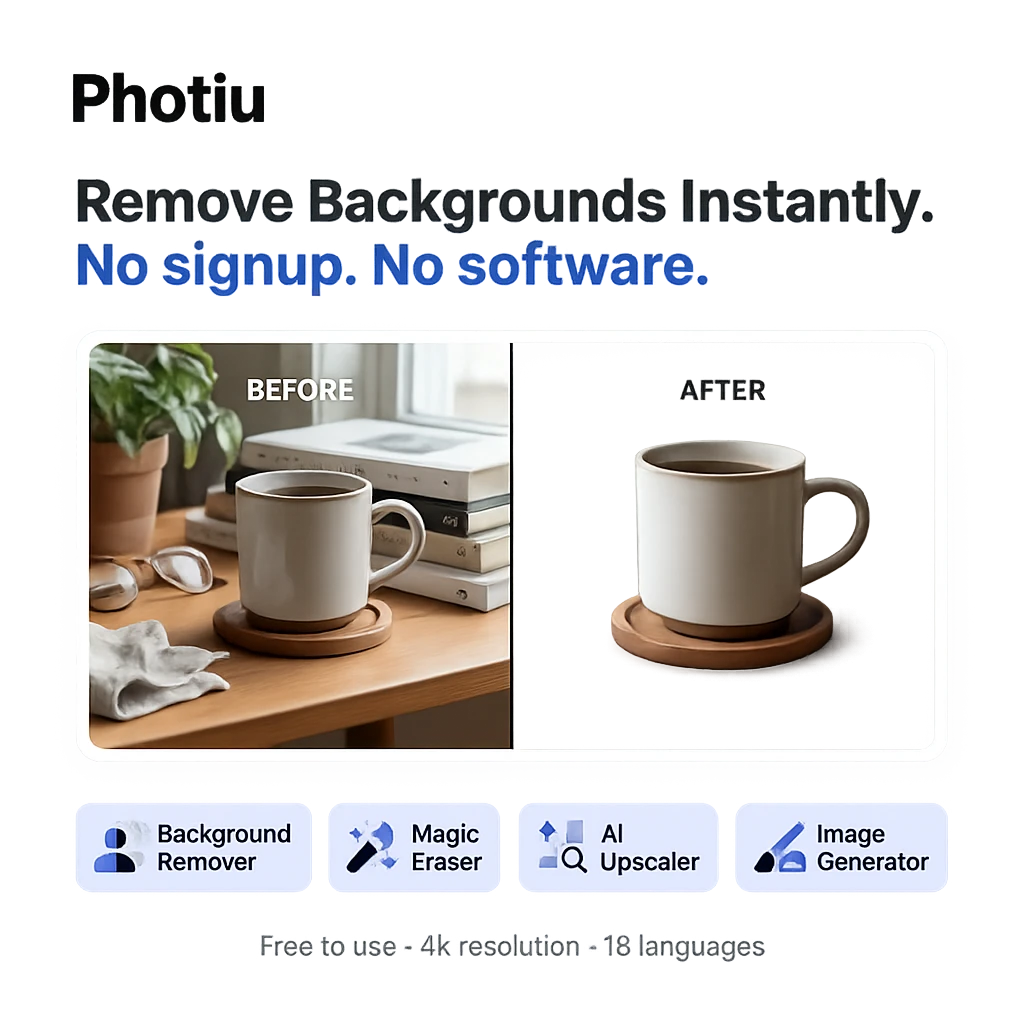
Photiu AI is a web-based photo editor that focuses on background removal and image cleanup. You upload an image, the AI strips the background in one click, and you're done. No account required for basic use, no software to install, and it handles JPG, PNG, WEBP, and JPEG files up to 4K resolution.
Photiu sits in a crowded category but keeps its scope tight. The core tools are background removal, a magic eraser for unwanted objects, AI image upscaling, and a background replacement library. There's also a text-to-image generator, though that feels more like a feature checkbox than a primary use case. For e-commerce sellers who need clean product shots, or social media creators who want quick cutouts, the workflow is fast and accessible without any design background.
Background removal quality is solid for clean subjects: products, people, animals. The free tier delivers HD output but includes ads, and you can preview results before committing to a download. Paid plans unlock 2K resolution, watermark-free exports, and multiple output variations per image. Fine-tuning tools let you manually restore edges or erase areas the AI misses, which matters for complex subjects with hair or transparent elements.
The platform supports 18 languages, which suggests some deliberate effort around international reach. Pricing is genuinely affordable at the lower tiers, making it a reasonable option for small businesses that need occasional image editing without subscribing to a full creative suite.
Features
- One-click background removal at HD and up to 4K resolution
- Magic eraser for removing objects within photos
- Manual erase and restore tools for fine-tuning edges
- Background replacement with built-in library and custom upload
- AI image upscaling
- Text-to-image generator
- File format support: JPG, JPEG, PNG, WEBP
- No account required for basic use
- 18+ language interface
<h3>Alternatives to Photiu AI</h3>
<ul>
<li><strong><a href="https://aitoolsdirectory.com/tool/remove-bg">Remove BG</a></strong>: Closest direct alternative for one-click background removal, transparent PNGs, white backgrounds, product cutouts, and high-volume image cleanup.</li>
<li><strong><a href="https://aitoolsdirectory.com/tool/pixnova-ai">PixNova AI</a></strong>: Broader free image toolkit with background removal, object removal, watermark removal, photo enhancement, upscaling, face swaps, and AI image generation.</li>
<li><strong><a href="https://aitoolsdirectory.com/tool/photoshop-generative-ai">Photoshop Generative AI</a></strong>: More powerful option for generative fill, object removal, background expansion, image compositing, and detailed AI-assisted photo editing.</li>
<li><strong><a href="https://aitoolsdirectory.com/tool/beautyplus-ai-image-enhancer">BeautyPlus AI Image Enhancer</a></strong>: Better for photo upscaling, blurry image repair, noise reduction, portrait smoothing, color enhancement, and batch image cleanup.</li>
<li><strong><a href="https://aitoolsdirectory.com/tool/x-design">X-Design</a></strong>: Stronger for e-commerce product photos, background replacement, lifestyle scenes, virtual try-on images, and prompt-based product visuals.</li>
</ul>