 TRY IT
 AnimeGenius
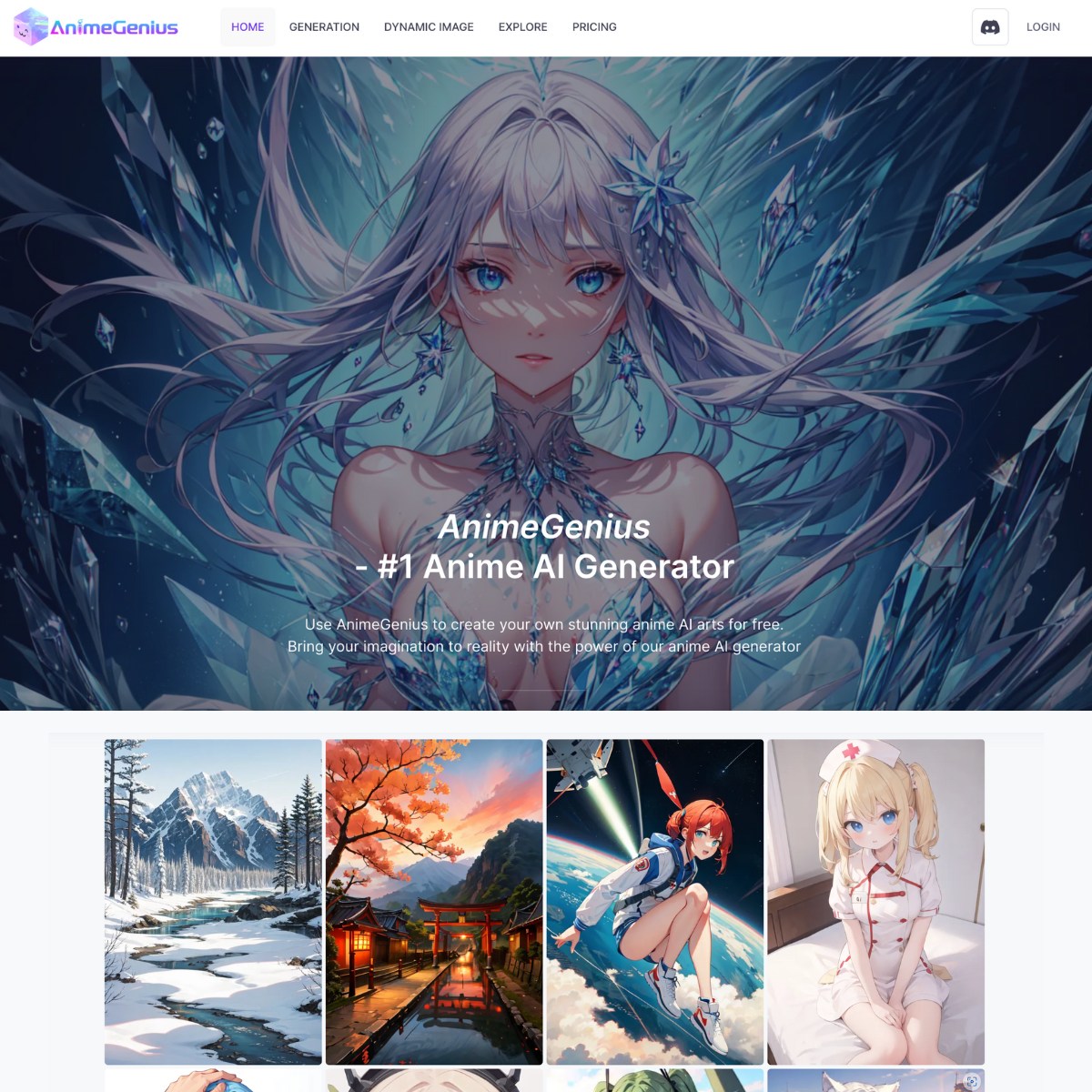
AnimeGenius is an anime image and video studio built by Live3D. It can generate artwork from text, redraw an uploaded image, follow a chosen pose, animate a still picture, and transfer movement from a source video to a different character.
The image generator remains the easiest place to start. Choose a model or style, write a prompt, set the image shape and quality, then generate one or more results. The catalogue covers familiar anime aesthetics alongside chibi, furry, fantasy, cyberpunk, game art, realistic characters, and community models.
Results vary with the model and prompt. Simple portraits usually require less work than scenes involving several characters, unusual hands, precise props, or detailed interactions. Generated artwork should be checked closely before it is used in a client project, printed product, or published story.
More control than a basic prompt box
Image to Image gives you several ways to work from an existing picture. You can turn a photograph into anime art, colour a sketch, refine line art, alter the style, or preserve parts of the original composition through ControlNet based options.
Pose to Image includes a 3D pose editor. Arrange the model, choose the viewing angle, and add a prompt before generating the character. This is useful when a normal text prompt keeps putting arms, legs, or the camera in the wrong place. It helps establish the broad pose, although clothing, fingers, facial details, and accessories can still change between generations.
Other image tools include an AI image editor, face swapping, photo to anime conversion, an original character maker, image upscaling, image to prompt, collage tools, and a realtime painter that turns rough marks into generated artwork.
Anime image and video generation
AnimeGenius now has a larger video toolset than the previous directory listing described. Image to Video animates an uploaded picture with a written motion prompt. Text to Video starts from a prompt, while Reference to Video uses reference images to guide the result.
Video to Video works differently. Upload a performance video and a character image, then choose Photo Animate or Character Swap. Photo Animate transfers the source movement to a still character. Character Swap replaces the performer while retaining the original timing, movement, and camera direction.
Source clips can run for up to 30 seconds, with 480p and 720p output options shown in the current interface.
Video generation uses considerably more credits than image generation. Some video modes, including Video to Video, are restricted to higher subscription tiers. Short tests are sensible before committing a large credit balance to a longer clip.
Credits, plans, and usage rights
AnimeGenius has a free tier with credits that refresh daily. Paid subscriptions add larger allowances, access to more models, faster processing, higher resolution output, more concurrent jobs, and additional video features. Credit packs are also available for people who do not want another subscription.
The mixture of daily credits, monthly allowances, model costs, resolution settings, and video charges makes usage harder to predict than a simple unlimited plan. Check the credit cost shown before each generation, particularly for video.
Commercial rights can depend on the account, model, and current plan terms. Do not assume that every community model or generated character can be used commercially. Fan art based on protected characters can also create copyright or trademark problems regardless of what the generator permits.
AnimeGenius is a general creative platform rather than an AI companion service, but parts of its model catalogue and community can include adult material. Content access may vary by account and settings. It is not a child focused art application, and schools or families should review the current content controls before use.
Key features
- Text to image anime generation
- Image to image transformation
- Photo to anime conversion
- Sketch colouring and line art refinement
- ControlNet based composition tools
- 3D pose editor with pose to image generation
- AI image editing and face swapping
- Original character maker
- Realtime AI painter
- Image upscaling and image to prompt
- Image to video generation
- Text to video generation
- Reference guided video generation
- Video to video character replacement
- Motion transfer from a performer video
- Community models, artwork, and workflows
- Daily free credits, subscriptions, and credit packs
<h3>Alternatives to AnimeGenius</h3>
<ul>
<li><strong><a href="https://aitoolsdirectory.com/tool/novelai">NovelAI</a></strong>: Combines anime image generation with fiction writing, character prompts, image editing, and detailed generation controls.</li>
<li><strong><a href="https://aitoolsdirectory.com/tool/openart">OpenArt</a></strong>: A broader visual studio for reusable characters, image generation, editing, story assets, and short video creation.</li>
<li><strong><a href="https://aitoolsdirectory.com/tool/artflow">Artflow</a></strong>: Better suited to character led stories, consistent virtual actors, scene building, dialogue, and short narrative videos.</li>
<li><strong><a href="https://aitoolsdirectory.com/tool/dzine">Dzine</a></strong>: Provides stronger composition and editing controls for generative fill, object removal, background changes, and layered image work.</li>
</ul>