
 TRY IT
Paragraph AI
ParagraphAI is an AI writing assistant for everyday messages: emails, texts, Slack replies and the occasional report. It runs as an iPhone and Android app, an AI keyboard, a web app and a Chrome extension, so you can fix a message or draft a reply inside the app where you're already typing instead of copying text into a chatbot and back.
It's aimed at people who find writing stressful rather than at professional writers. ParagraphAI pitches itself to students, professionals, people writing in a second language and people with dyslexia, and its tools work in more than 40 languages.

Drafting a Slack reply with tone sliders in the Chrome extension. Image from ParagraphAI.
Fix, Reply, Create and Edit
Fix corrects grammar and spelling in one tap rather than underlining every mistake for you to work through. Reply reads the message or email thread you're answering, takes a line of context such as "today 3pm works" and writes the full response. Create drafts new text from a short prompt, from a casual message to an article or report.
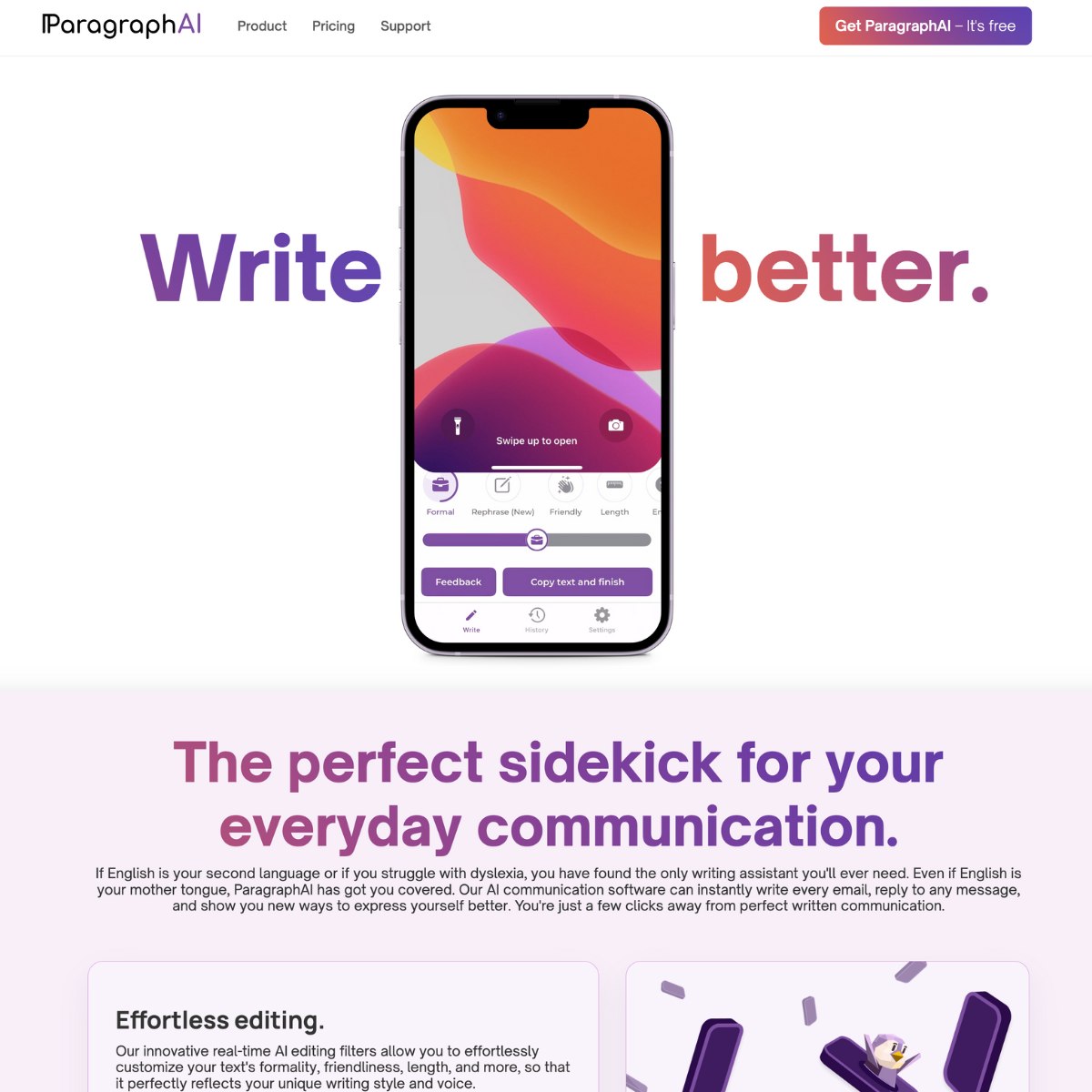
Edit is where you shape the result. Filters and sliders change formality, friendliness, length and optimism. You can also rephrase a passage or add emoji, and you see each change before you copy the text. Read the reply before you send it, because a confident-sounding message can still get a date, a time, a name or a commitment wrong.
The keyboard and the browser
The AI keyboard replaces your phone keyboard and brings Fix, Reply and Edit into the apps where you type, including email and messaging apps. In Chrome, the extension works in Gmail, Google Docs, Slack and other sites, and it can also summarize web pages, PDFs, YouTube videos and other documents, then answer questions about what you're reading. One account carries your history across devices.
Templates let you save your own instructions with an example, so a task you repeat, such as turning meeting notes into a summary, comes out the same way each time. ParagraphAI also has a humanizer that rewrites AI-generated text to sound more natural and avoid AI detectors. Check your school's or employer's rules before using it that way.
Privacy
ParagraphAI says it doesn't sell or share your data for advertising and only uses AI models with a zero data retention policy, so your inputs aren't used for training. An AI keyboard sees everything you type, though, so read the privacy policy before you switch it on for work accounts or sensitive messages.
Pricing
The free plan gives you five uses a day each of Create, Fix, Reply and Edit, with shorter inputs and the basic tone filters. Pro removes the daily limits and accepts much longer text. It also unlocks the extra editing filters and the full keyboard, and it saves your history across devices. Yearly billing costs about half as much as paying monthly. Enterprise adds brand voice settings, account management tools, team onboarding and 24/7 support.
Is ParagraphAI free?
Yes. The free plan includes five uses a day of each main feature, which covers a few emails and messages. Heavier use needs Pro.
Does ParagraphAI work on my phone keyboard?
Yes. The ParagraphAI keyboard works on iPhone and Android and brings Fix, Reply and Edit into the apps where you type.
Alternatives to ParagraphAI
- Grammarly: AI writing assistant that fixes grammar, rewrites sentences and adjusts tone in almost every app.
- QuillBot: Paraphrasing, grammar checking, plagiarism scanning and summarization in one writing suite.
- Undetectable AI: AI detector and humanizer that scores text sentence by sentence and rewrites flagged passages.