 TRY IT
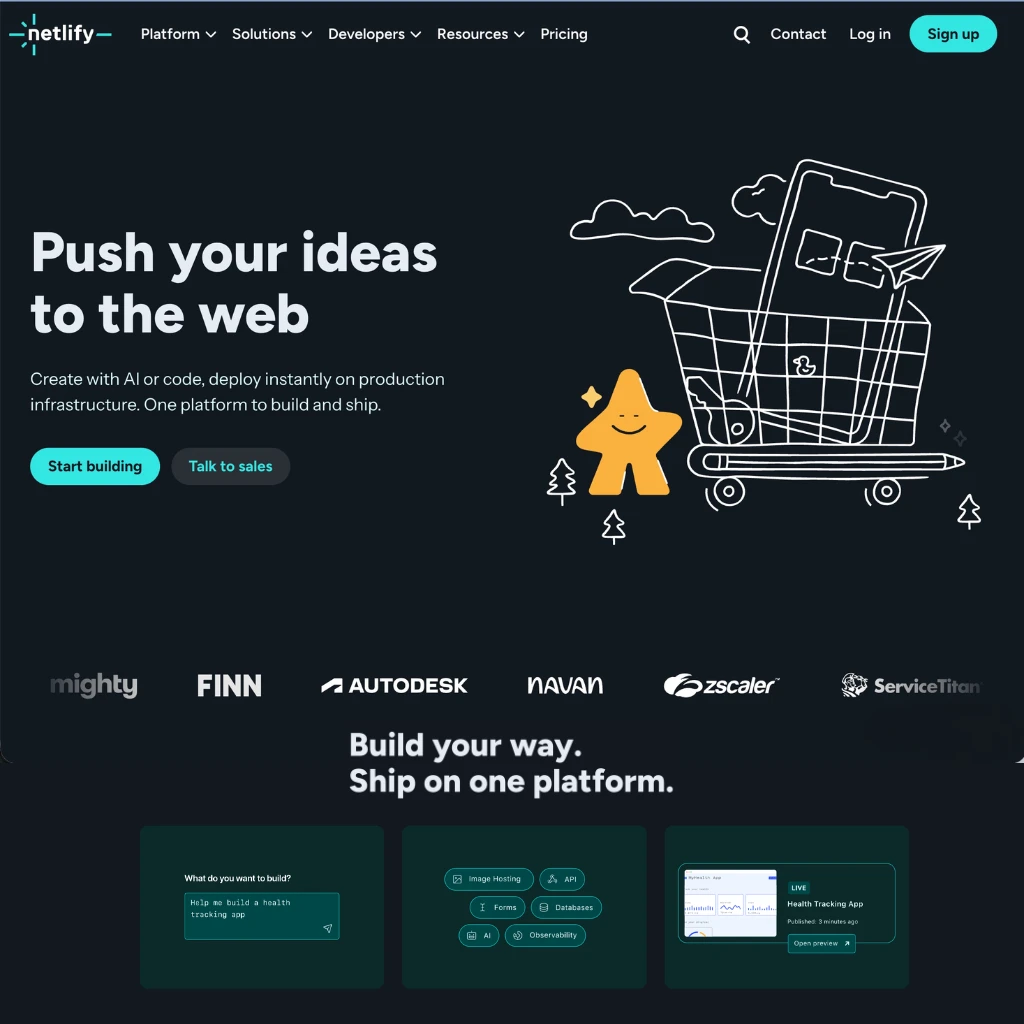
 Netlify
If you're building a web app that calls an LLM, you've probably spent more time wrestling with API key management, deployment pipelines, and serverless cold starts than you have on the actual product. Netlify has made a deliberate bet that this friction is the real problem worth solving.
The platform has been a staple for frontend developers since 2014, but its 2025 and 2026 releases tell a different story: Netlify is now positioning itself squarely as infrastructure for AI-powered apps. Over one million AI-generated apps have deployed through the platform, many through tools like Bolt.new that use Netlify's API-first architecture to ship a live URL in under five seconds.
The AI Gateway
The most significant feature for anyone building with LLMs is the AI Gateway, now generally available on all credit-based plans. It automatically injects working API credentials for Anthropic (Claude), OpenAI (GPT), and Google (Gemini) into every Netlify Function and Edge Function you deploy. No external accounts required. No copying API keys into environment variable panels.
The supported model list is substantial. On the Anthropic side you get the full Claude lineup including Claude Sonnet 4.6 and Claude Opus 4.6. OpenAI support includes GPT-5 variants and the o-series reasoning models. Gemini support includes Gemini 2.5 Pro and the Gemini 3.1 series.
In practice this means you can write a standard Anthropic SDK call in a Netlify Function and it just works on deploy:
```javascript
const message = await anthropic.messages.create({
model: 'claude-sonnet-4-5-20250929',
messages: [{ role: 'user', content: prompt }],
max_tokens: 1024
});
```
Netlify handles the credential injection, routes the request through its gateway, and tracks token consumption on your dashboard. You can still supply your own API keys if you want them to take precedence.
Rate limits vary by plan. The free tier gives you 18,000 tokens per minute for Claude Sonnet and GPT-5, workable for prototyping. Paid plans scale up significantly. All usage is billed in Netlify's credit system rather than through separate provider accounts.
Serverless and Edge Functions for AI Workloads
Netlify's serverless functions are the layer where most AI request handling lives. They run on Node.js and support all major AI SDKs. Edge Functions run closer to the user on Netlify's global network with 100+ points of presence and under-50ms response times worldwide. Both contexts receive the same automatic AI Gateway credentials.
Environment variable management is handled at the team level, meaning credentials are shared securely across projects without copying them manually into each one. The platform also includes automatic secret scanning on every build, which catches hardcoded API keys before they reach production.
Agent Runners
Agent Runners let you describe a task in plain language and have Claude Code, Google Gemini CLI, or OpenAI Codex implement it directly against your project. The agent runs with full access to your project context, including code, build settings, environment variables, and deployment pipeline. Every change goes through a deploy preview before it goes live, so you review before anything ships.
Deployment Experience
The free tier covers 300 credits per month and includes custom domains, serverless functions, deploy previews, and AI model access. The Personal plan ($9/month) bumps the limit to 1,000 credits. The Pro plan ($20/member/month) gives 3,000 credits per team and adds shared environment variables and longer observability history.
Builds are fast. The platform auto-detects frameworks including Next.js, Astro, Nuxt, SvelteKit, and Remix. Netlify added a "Why Did It Fail" feature that reads build logs and explains errors in plain language, which saves meaningful time when debugging AI-generated code.
One limitation worth flagging: the AI Gateway has a 200,000-token context window ceiling and does not support batch inference or Gemini prompt caching. If your app requires very long-context processing or high-volume batch jobs, evaluate whether those constraints fit your workload.
Netlify: Pros & Cons
| Pros (The Wins) | Cons (The Friction) |
| :--- | :--- |
| AI Integration:<br>Zero-config Claude, GPT, and<br>Gemini via AI Gateway.<br>No external accounts needed. | Pricing at Scale:<br>Credit system can get expensive<br>for token-heavy apps.<br>Monitor limits carefully. |
| Free Tier:<br>Commercial use allowed.<br>Includes functions, AI models,<br>and custom domains. | AI Gateway Limits:<br>No batch inference support.<br>200k token context ceiling.<br>No Gemini prompt caching. |
| Developer Workflow:<br>Git-push deploys, preview URLs<br>per branch, secret scanning,<br>and observability built in. | Full-Stack Depth:<br>Vercel edges ahead for<br>complex Next.js apps and<br>high-traffic dynamic workloads. |
| Framework Flexibility:<br>Works with any frontend stack.<br>Not locked to a single framework. | Documentation Gaps:<br>Some users report docs lag<br>behind newer features,<br>requiring trial and error. |
Features
- AI Gateway with automatic credential injection for Claude, GPT, and Gemini
- Serverless functions and Edge Functions with built-in AI model access
- Agent Runners: Claude Code, Gemini CLI, and OpenAI Codex against your project
- Git-push deploys with deploy previews per branch
- Secret scanning on every build
- Team-level environment variable management
- 100+ global edge network points of presence
- Auto-detection for Next.js, Astro, Nuxt, SvelteKit, Remix
- "Why Did It Fail" AI build log explainer
- Free tier with commercial use allowed