 TRY IT
 MeetGeek
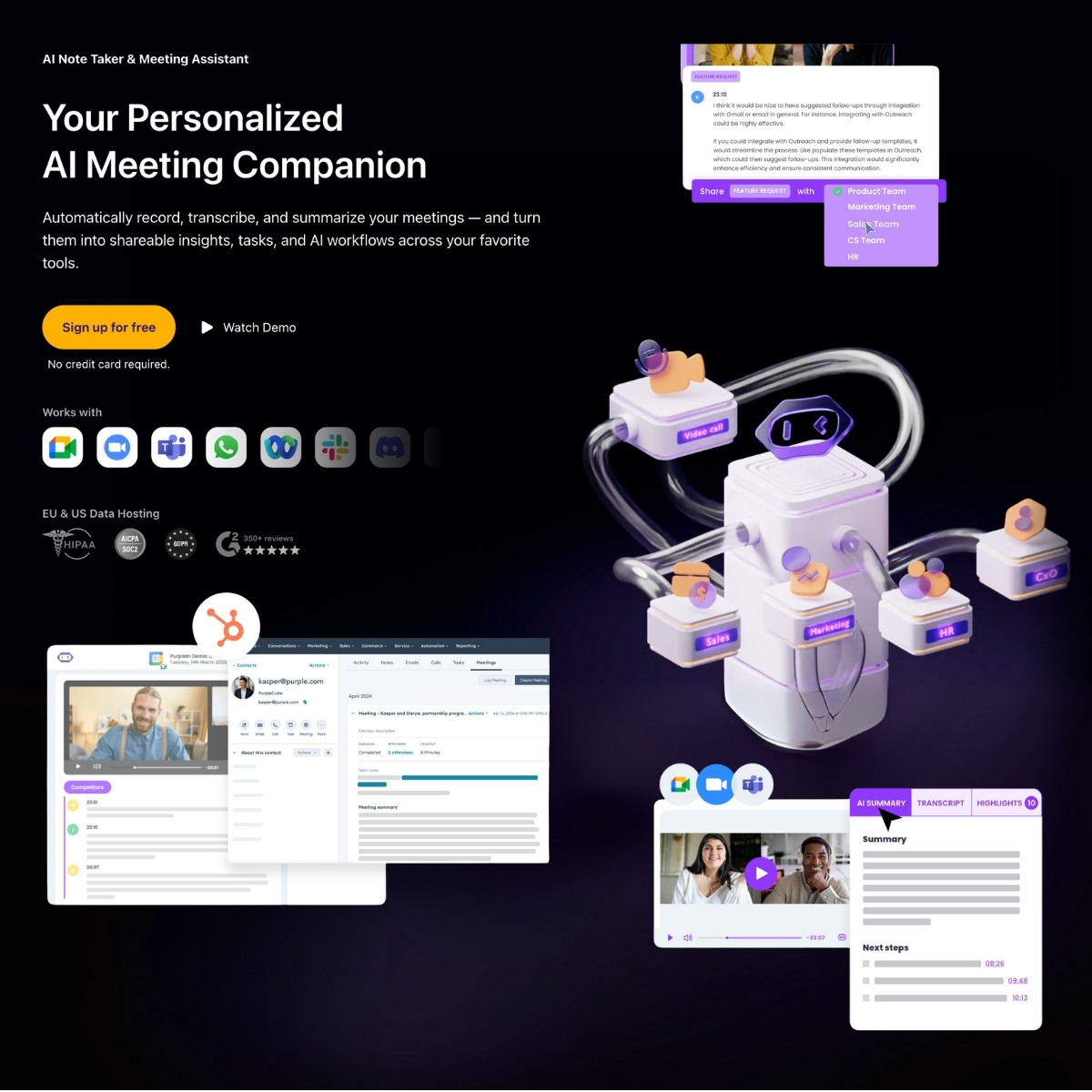
MeetGeek is an AI-powered meeting assistant that automatically records, transcribes, summarizes, and organizes your video calls. It works across Zoom, Google Meet, Microsoft Teams, Webex, Discord, WhatsApp, and even offline. No bots required, no calendar invites, no awkward interruptions. Just a Chrome extension or web app quietly doing its job in the background.
This tool is clearly built for teams that live in meetings—sales orgs, HR departments, customer success managers, product teams, and anyone else drowning in call notes. If you’ve got more meetings than time, MeetGeek is designed to clean that up.
Key Features
- Automatic meeting recording & transcription
Records video calls automatically, with support for pause and resume. Transcriptions are word-for-word and surprisingly accurate.
- Smart summaries by meeting type
It detects the meeting context (sales, onboarding, support, interview, etc.) and applies an appropriate summary format. Action items, objections, requests—they’re all parsed out for you.
- Custom summary templates
You can create and reuse templates if the default ones don’t fit your workflow.
- Browser-based Chrome recorder
Works without joining the call as a bot. Capture everything right from your browser.
- CRM & tool integrations
Syncs with HubSpot, Salesforce, Notion, Slack, ClickUp, Asana, and over 10,000 other tools via Zapier, Make, or its own API.
- Offline meeting support
You can upload recordings from in-person meetings and still get transcripts and summaries.
- Video snippet creation
Make short clips from calls for coaching, internal sharing, or client-facing testimonials.
- Team collaboration
Share summaries across departments and create searchable call libraries to reduce duplicate meetings.
- Data security
SOC 2 Type II, HIPAA BAA available, GDPR/CCPA compliant, encryption baked in. EU or US-based hosting.
- Cross-platform access
Web app, iOS, Android, Slack integration, and a public API.
Who It's For
- Sales teams trying to stop wasting time on CRM notes and focus on closing deals
- Hiring managers who want interview transcripts and key clips for faster decisions
- Customer success leads looking for insights across dozens of calls without rewatching them
- Product or marketing folks mining transcripts for pain points, quotes, or voice-of-customer nuggets
- Founders tired of chasing meeting notes or trying to multitask in calls
If you're solo or part of a tiny team and only take a few calls a week, it might feel like overkill. But for call-heavy teams, it could save hours every week.