 TRY IT
 FocuSee
An AI-Assisted Screen Recorder for Polished Demos and Tutorials
If you've ever recorded a tutorial or a product demo, you know the drill. You hit stop, and then the real work begins: trimming dead air, zooming in on the important bits, and cleaning up the audio. It's a grind. FocuSee is a screen recorder for Mac and Windows that tries to take most of that post-recording headache off your plate. After you finish recording, it automatically applies zoom effects to follow your cursor, highlights where you click, and adds a subtle motion effect to keep things from looking static.
I found it most useful for creating quick, clean software tutorials without needing to open a separate video editor. You record your screen, and FocuSee gives you a video that already has zooms and pans applied to follow your actions. It's not for professional filmmakers, but it's a solid tool for small business owners, indie developers, or marketers who need to create a polished product demo or tutorial quickly. It gets the job done without a steep learning curve.
The AI features here are focused on the practical side of things. It can automatically cut out silence and filler words like "um" and "ah," which saves a surprising amount of time. It also generates subtitles, removes background noise from your audio, and can even replace your background without a green screen. There's also a teleprompter, so you can read from a script while recording to keep your delivery smooth.
Key Features
Auto Pan & Zoom
FocuSee watches where you click and automatically zooms in to emphasize key moments. No keyframes, no manual setup. The viewer's attention goes exactly where you need it, every time.
Smart Spotlight & 3D Motion
Highlight specific areas of your screen with a customizable spotlight effect. On Mac, you can also apply a 3D tilt motion that follows your cursor -- giving your recordings a cinematic edge without any editing skill required.
AI Subtitle Generation
Subtitles are generated automatically with over 98% accuracy, supporting 50+ languages. No third-party transcription service needed, no manual captions.
AI Audio Enhancement
Three separate audio AI tools handle your sound: voice enhancement cleans up breathing noises and mic imperfections, Smart Cut automatically removes filler words ("um", "uh") and silences, and noise reduction strips out background hums and environmental distractions.
AI Virtual Avatar
Don't want to be on camera? FocuSee can replace your webcam feed with a virtual AI avatar. Useful for privacy, camera shyness, or maintaining consistent branded visuals across a team.
Webcam Background Removal
No green screen needed. FocuSee removes or replaces your webcam background in post-production -- so your home office background doesn't end up in the final cut.
Intelligent Cursor Styling
Customize your cursor with different styles, animated click effects, and sounds. The cursor automatically appears when helpful and fades during focused moments so it never distracts.
Built-In Teleprompter
Script guidance that displays on screen while you record. Adjustable font size, speed, and position -- so you can deliver your content naturally without memorizing lines or doing endless retakes.
Mobile Device Recording
Record iOS and Android screens directly through a USB connection. Add professional device frames and get the same auto-editing treatment you'd expect from a desktop recording.
Keyboard Shortcut Capture
Every keyboard shortcut you use during a recording is automatically captured and visualized in the video -- ideal for software tutorials where viewers need to follow along step by step.
Export Everywhere
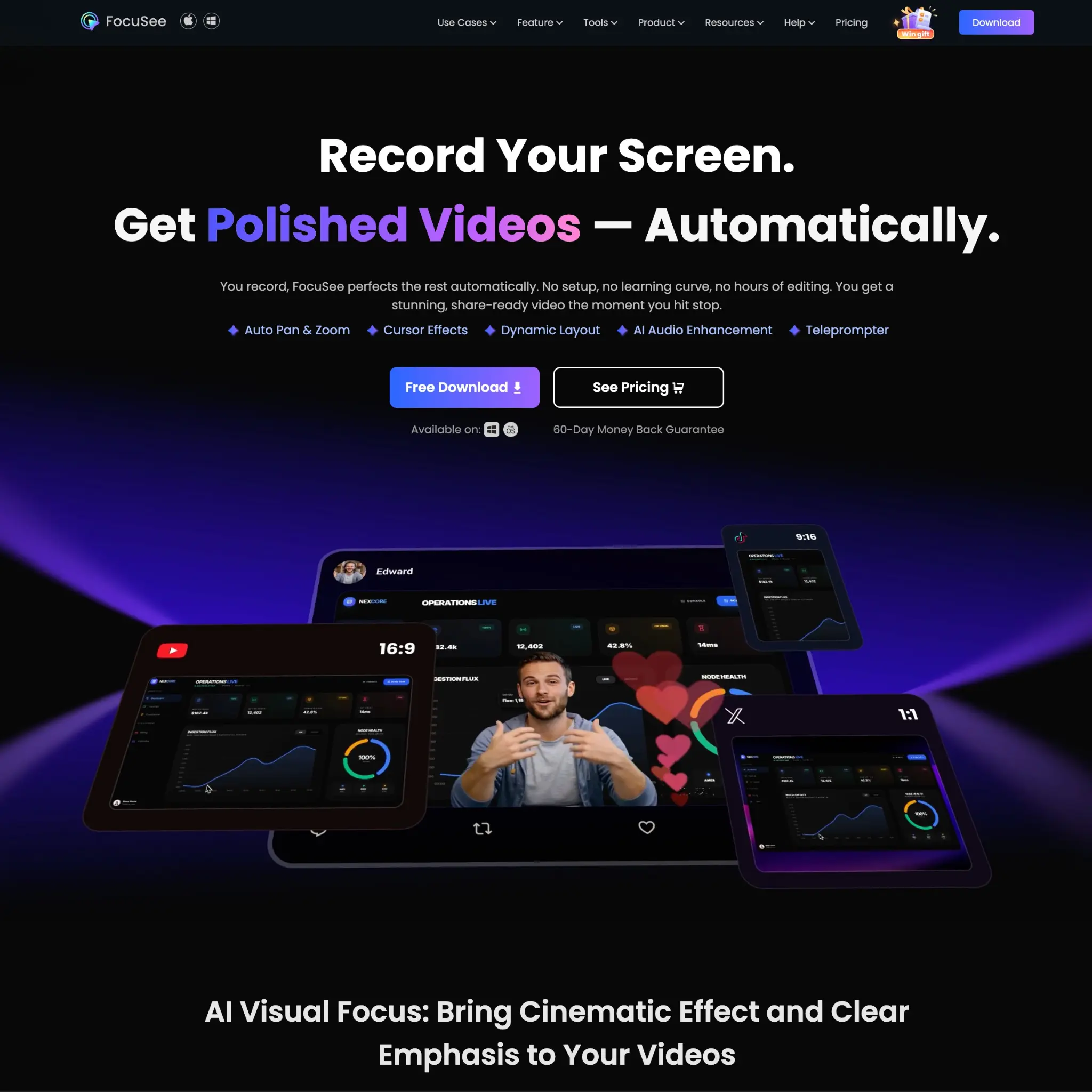
Export up to 4K 60fps video or animated GIFs. Built-in presets for TikTok, YouTube, Instagram, Facebook, and Twitter so you only record once and resize for every platform in seconds.
Custom Templates & Branding
Save your preferred settings as reusable templates. Add custom watermarks to protect and promote your content across every video you produce.
* * *
Who Is It For?
FocuSee is built for anyone who records their screen regularly and wants the output to look professional without spending hours in a video editor.
- Indie developers & SaaS teams showing off products in demos
- Educators & course creators who need clean, focused instructional videos
- Content creators building tutorials or how-to content for YouTube and social
- Marketing teams producing promo and brand videos without a production budget
- Technical support teams documenting processes and walkthroughs