 TRY IT
 FineVoice
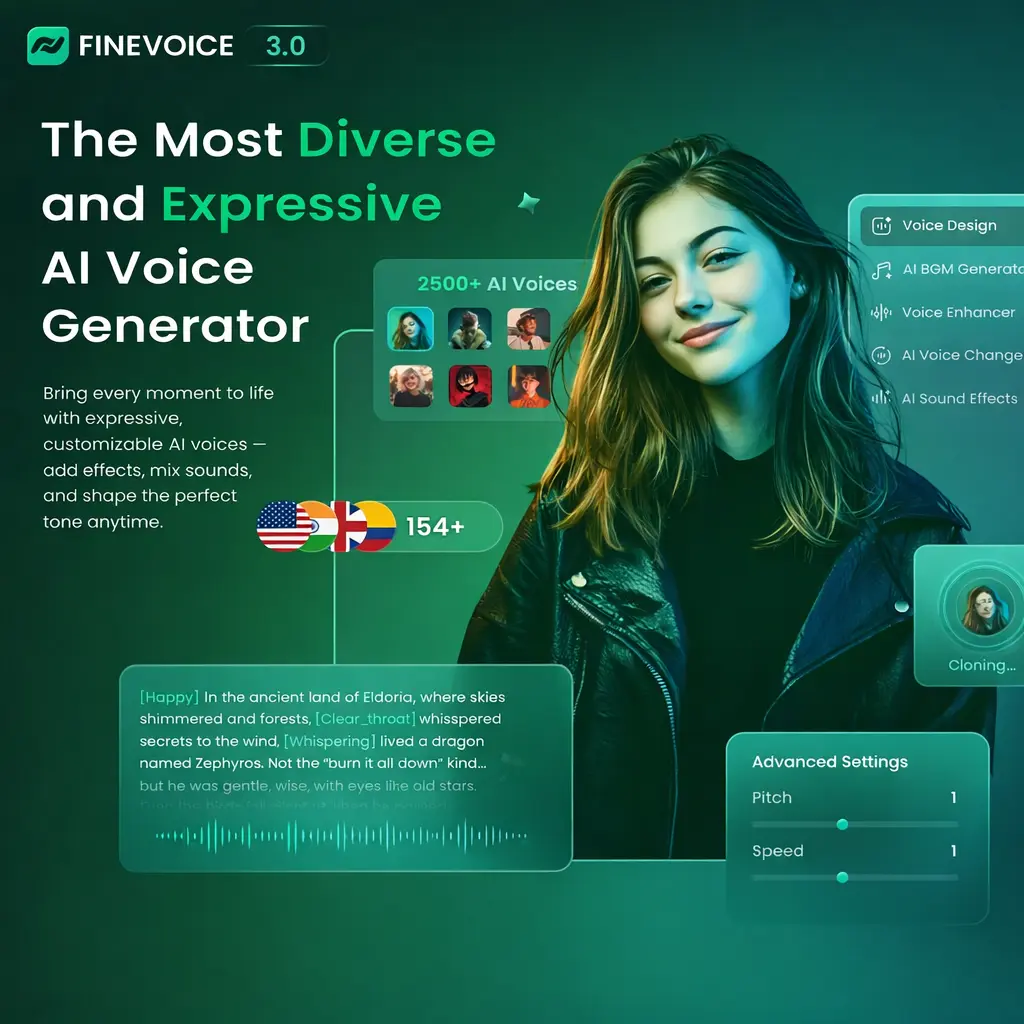
FineVoice is a practical ai voice generation tool for creators, educators, and developers. Get high-speed voice cloning, text-to-speech with emotional controls, and custom sound effect generation for content creators and businesses.
FineVoice covers multiple audio needs in one place. Text-to-speech with emotional tags (tag speech as [angry], [happy], [sad] for realistic inflection). Voice cloning from a 30-second audio sample. Custom voice design where you describe what you want and AI builds it. Sound effects generation from text or video. Background music from text prompts. An AI talking photo feature that syncs lip movements to audio.
The core of the platform is the voice library. There are over 1,500 options, which is a massive number, though quantity does not always mean quality. In testing, the results are solid for standard narration. The inclusion of emotion tags is a nice touch. Instead of just a flat reading, you can actually tell the AI to sound "angry" or "happy," which helps avoid that lifeless robot drone that kills engagement in YouTube videos or e-learning modules.
One specific feature that stands out for indie developers and small teams is the voice cloning. It takes about 30 seconds of audio to get a workable clone.
Key Features
- Massive Voice Library: Access to 1,500 voices across 154 languages and regional accents.
- Rapid Voice Cloning: Creates a digital replica of a specific voice using a 30-second audio sample.
- Custom Voice Design: Allows you to build a unique voice from scratch using text descriptions of tone and style.
- Emotion Tagging: Manual control over the emotional delivery of text-to-speech output.
- AI Sound Effect Generator: Creates specific foley or ambient sounds based on text descriptions or video content.
- Background Music Generator: Produces royalty-free tracks based on mood and genre prompts.
- Speech-to-Text: Transcription tool that handles automatic punctuation and multiple export formats like SRT and VTT.
- AI Talking Photo: Syncs audio scripts to static images for basic video presentations.