 TRY IT
 Claude AI
Anthropic built Claude as an AI assistant for writing, reasoning, coding, and document analysis. It runs on models such as Claude 3 Opus, Claude 3 Sonnet, and Claude 3 Haiku.
Claude focuses on long context conversations and careful reasoning. That becomes useful when working on projects where most of the work involves researching tools, organizing listings, analyzing features, and writing descriptions that sound natural.
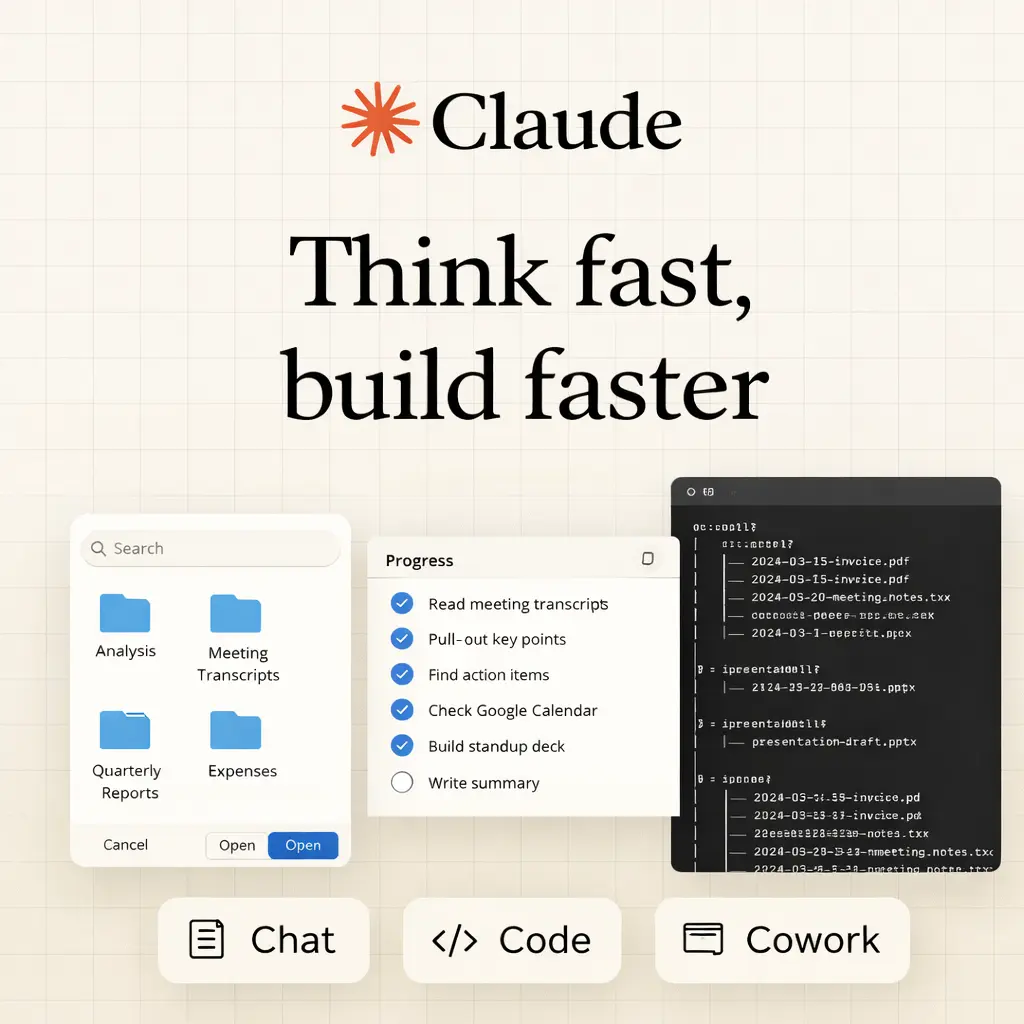
Power users, (including the team at aitoolsdirectory.com) use Claude in three main ways: Claude Chat, Claude Cowork, and Claude Code. Each one fits a different part of the workflow.
Claude Chat
Claude Chat is the conversational interface available through Claude.ai.
This is where most of the research and writing happens.
You can paste product pages, documentation, transcripts, or long notes and ask Claude to analyze them. Because the context window is very large, you can include an entire landing page, pricing page, and documentation in a single prompt without losing context.
One area where Claude performs well is tone. When asked to rewrite content so it sounds less robotic, it usually produces more natural writing than many other models. That matters when each directory listing needs to feel like it was written by a real person.
* * *
Claude Cowork
Claude Cowork works more like a collaborative workspace than a standard chat interface.
It allows multiple artifacts such as documents, code blocks, and structured outputs to exist within the same conversation.
This becomes useful when managing many pieces of content at once. Instead of copying information between several tools, everything can stay inside a single workspace while you iterate on the content.
The Artifacts feature is particularly helpful. Claude can generate formatted outputs such as tables, code blocks, and structured content that remain separate from the main chat. This makes editing much easier.
* * *
Claude Code
Claude Code is the environment where Claude works directly with development workflows.
You can paste entire files or sections of code and ask Claude to analyze them.
Typical uses include:
- Reviewing site code for bugs
- Generating directory page templates
- Writing scripts to format tool data
- Suggesting database schema ideas for tool listings
- Debugging layout or UI problems
- Explaining unfamiliar code from plugins or frameworks
Claude is not always the strongest model for writing complex production code from scratch. However, it performs very well when explaining code and helping developers understand what is happening.
That makes it useful when maintaining or improving a growing website.
Limitations
Some common limitations include:
- Message limits on the free plan
- Responses that can sometimes be longer than necessary
- Occasional refusals for certain topics
- Fewer integrations compared to tools built around OpenAI products
Even with these issues, it remains a strong option for research heavy workflows and long form writing tasks.
Features
- Conversational AI assistant for research, writing, coding, and analysis
- Large context window often exceeding 200K tokens
- Multiple model options including Opus, Sonnet, and Haiku
- Document and file analysis inside conversations
- Claude Artifacts for structured outputs such as tables and code
- API access for developers building applications
- Integrations with Slack, Notion, Cursor, and other tools
- Long document summarization and research synthesis
- Code explanation and debugging assistance
- Workspace collaboration through Claude Cowork
- AI assisted development workflows through Claude Code
- Safety focused model training using Constitutional AI
<h3>Claude Alternatives</h3>
<ul>
<li><strong><a href="https://aitoolsdirectory.com/tool/deepseek">DeepSeek</a></strong>: AI chat and API models for coding, multi step reasoning, structured responses, and agent tasks with tool calling.</li>
</ul>