 TRY IT
 Blackbox AI
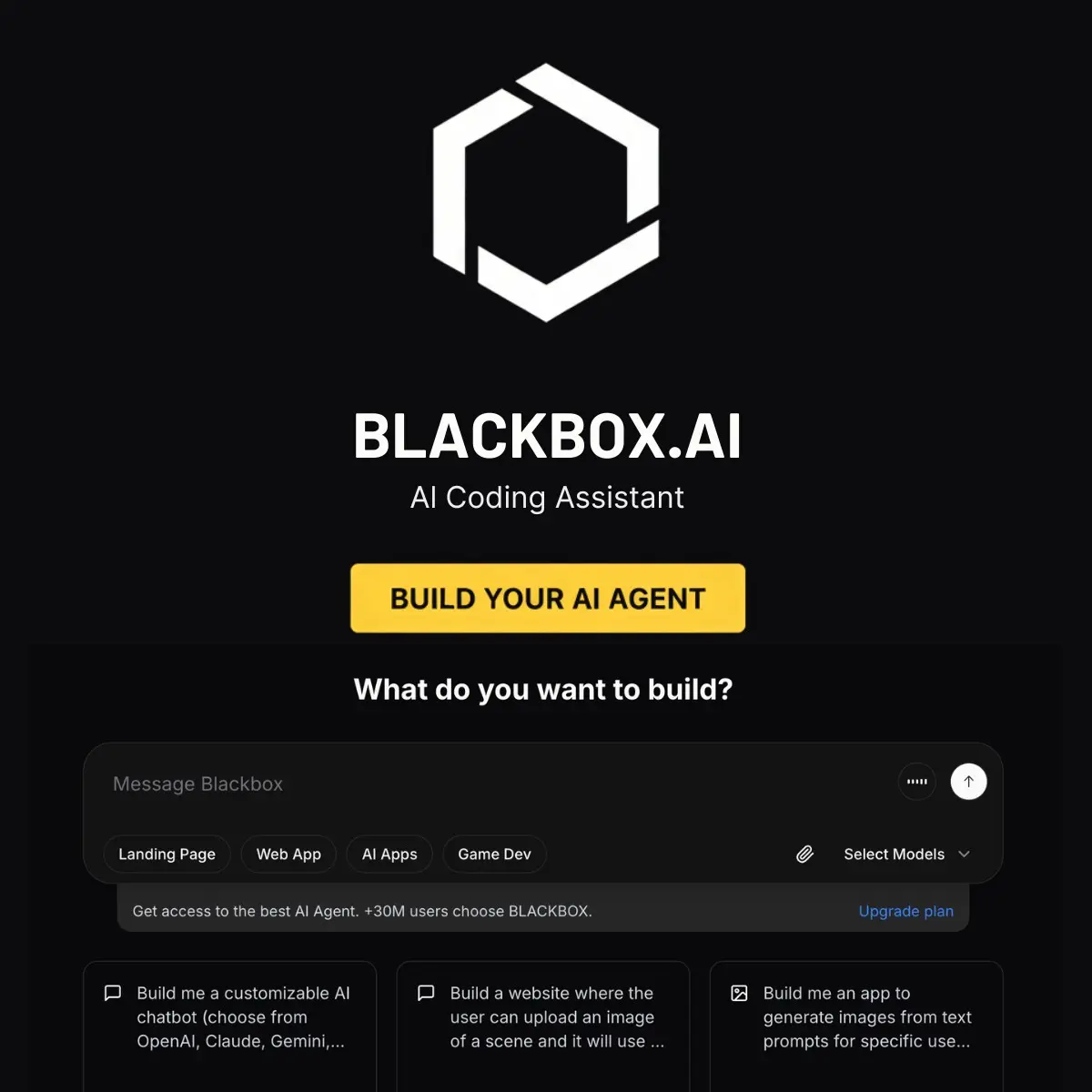
Blackbox AI is a multi-platform AI coding assistant that turns ideas into working code across web, desktop, VS Code, mobile, and API. Built for developers, entrepreneurs, and indie hackers who need to move fast, it combines real-time code generation, video-to-code extraction, and a full-stack app builder called Robocoder. The core appeal is speed and accessibility while debugging in your IDE or spinning up an MVP from scratch.
The platform spans several connected tools. The VS Code extension (over 4 million installs) provides inline autocomplete and intelligent suggestions as you type. The web app functions as a central hub for chat-based coding assistance. Robocoder generates complete applications from text descriptions or image/Figma uploads, handling frontend, backend, and database setup without manual coding. The desktop agent works offline and integrates with your operating system. A mobile app lets you ask coding questions on the go.
Core Features
- Real-time code autocomplete and intelligent suggestions in VS Code and browsers
- Video-to-code extraction (capture code from tutorial videos or screenshots via OCR)
- Robocoder: generates full-stack applications from natural language prompts or visual designs
- Chat with GitHub repositories (ask questions about any public codebase in natural language)
- Access to 300+ AI models including Claude, GPT-4, DeepSeek, and specialized providers
- Multi-platform support: web, desktop, mobile, VS Code extension, and IDE integration (IntelliJ, PyCharm, etc.)
- API access with OpenAI-compatible schema for building custom integrations
- Real-time debugging and error detection
- Offline capability on desktop version
- Project context awareness across your codebase
Who It's Built For
Blackbox.ai fits three main audiences well:
Indie developers and solo founders benefit most from Robocoder. If you have an app idea but limited time or coding bandwidth, describing your app in text or uploading a design file generates usable, deployable code. Users report this cuts weeks of manual development into days.
Students and self-taught developers gravitate toward the video-to-code feature. If you're learning from YouTube tutorials or online courses, you can extract code snippets directly rather than manually typing them out. The free tier and OCR capability make it particularly valuable during the learning phase.
Full-time developers in agencies or startups use it as a productivity multiplier. The real-time autocomplete and debugging assistance reduce context-switching and speed up repetitive tasks. The ability to chat with GitHub repos makes onboarding to unfamiliar codebases faster.
How It Compares
Against GitHub Copilot, Blackbox.ai emphasizes raw speed and the video-to-code angle. Users consistently report faster response times. Copilot has deeper GitHub integration and is backed by Microsoft, which matters for enterprise stability and support. If you're already in the GitHub ecosystem, Copilot integrates seamlessly. If you're jumping between projects and learning sources, Blackbox.ai's OCR and multi-model access give you more flexibility.
Versus Cursor or Windsurf (newer AI-native editors), Blackbox.ai is platform-agnostic. You're not locked into a specific editor. That's a trade-off: you keep your familiar setup but lose some of the deep editor integration that Cursor provides. The browser agent (launched recently) gives Blackbox.ai a unique angle: automating tasks across websites, which neither Cursor nor Windsurf does at the same level.
The platform's appeal lies in its breadth (web, desktop, mobile, VS Code, API, browser agent) rather than depth in any single area. For indie hackers with multiple projects and shifting tech stacks, that flexibility often matters more than vertical mastery.
<h3>Alternatives to Blackbox AI</h3>
<ul>
<li><strong><a href="https://aitoolsdirectory.com/tool/github-copilot">GitHub Copilot</a></strong>: IDE code completion, code chat, pull request help, and GitHub workflow support. Best fit for developers already working in GitHub and Visual Studio Code.</li>
<li><strong><a href="https://aitoolsdirectory.com/tool/cursor">Cursor</a></strong>: AI code editor with repo-aware chat, multi-file edits, refactoring, debugging, and natural language code changes. Stronger when you want the editor itself built around AI.</li>
<li><strong><a href="https://aitoolsdirectory.com/tool/windsurf">Windsurf</a></strong>: Agentic coding IDE for codebase context, multi-file changes, terminal workflows, and project-level coding tasks. A good option for larger code edits across a repository.</li>
<li><strong><a href="https://aitoolsdirectory.com/tool/openai-codex">OpenAI Codex</a></strong>: Cloud coding agent for bug fixes, feature work, tests, and pull requests from natural language instructions. Better for delegated coding tasks than autocomplete.</li>
<li><strong><a href="https://aitoolsdirectory.com/tool/replit">Replit</a></strong>: Browser-based coding workspace with AI app generation, code help, hosting, and deployment. Useful for building and launching small apps without a local dev setup.</li>
<li><strong><a href="https://aitoolsdirectory.com/tool/tabnine">Tabnine</a></strong>: AI code completion assistant focused on developer teams, IDE support, and private codebase context. A practical Blackbox alternative for autocomplete-heavy workflows.</li>
</ul>