 TRY IT
 AI Detector
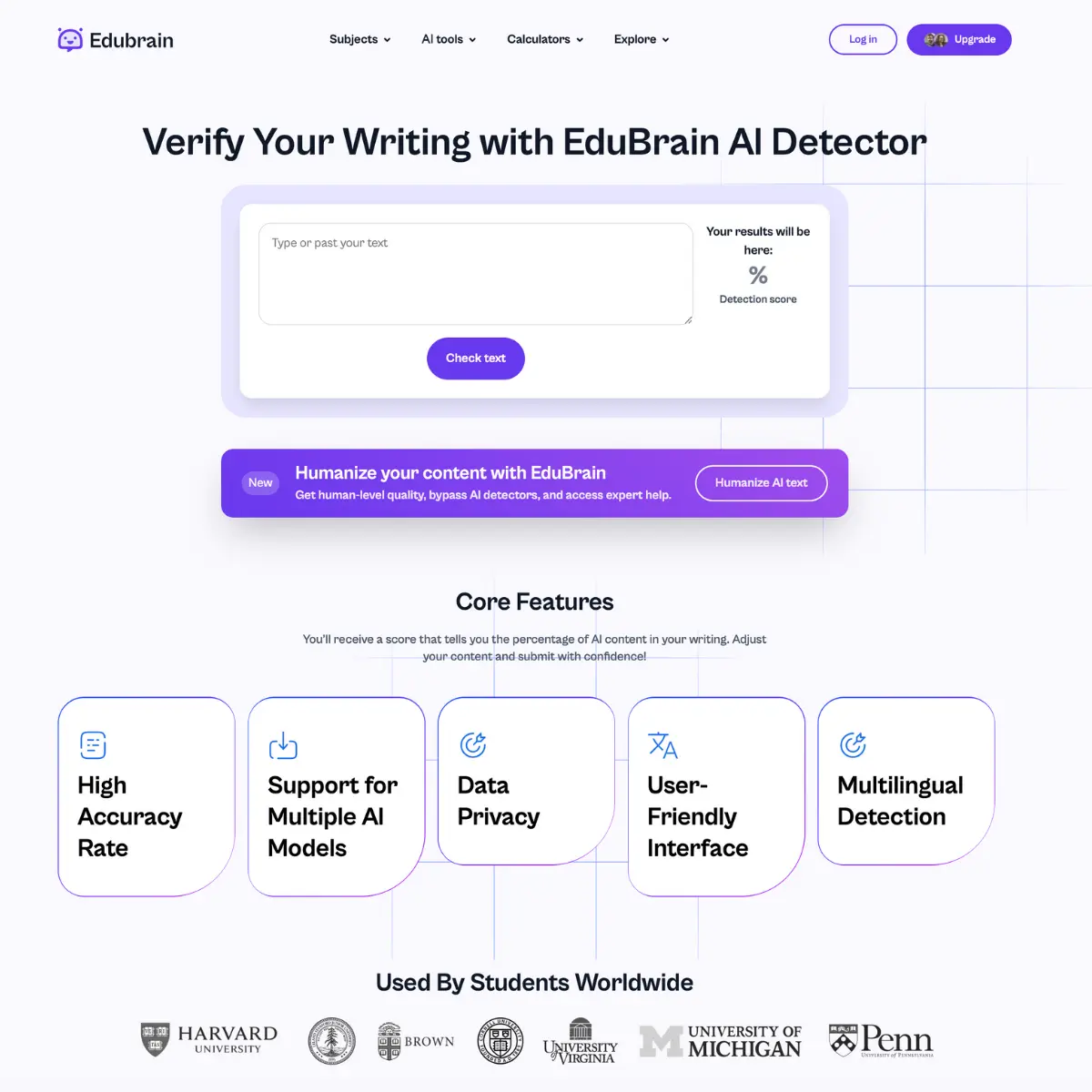
EduBrain AI Detector scans your writing and tells you what percentage is likely AI-generated. You paste text or upload a file, it runs an analysis using NLP and machine learning, and returns a score. The tool works on content from ChatGPT, GPT-4, Gemini, and other large language models.
The tech behind it looks for the usual suspects: repetitive sentence structures, specific "AI-ish" rhythms, and those weirdly perfect transitions that real people rarely use. One thing to appreciate is the speed. It scans text almost instantly, which is useful when you have a mountain of content to get through. It handles multiple languages too, which is a nice touch if you are working with global teams or studying abroad.
Students use it to verify their own work meets academic integrity standards. Freelancers and marketers use it to ensure content is original before publication. The detector claims a 99% accuracy rate, though like any automated system, it can flag false positives that need manual review.
The tool handles files up to 25,000 words and supports 20+ languages. You can upload PDFs, paste raw text, or use the Chrome extension to check content directly in Google Docs or your browser. There's no account required for the first few scans. After that, you register for more free uses, or upgrade to paid plans for batch processing and priority support.
Your documents aren't stored or tracked. Each scan is processed and discarded. That matters if you're checking sensitive work or checking it repeatedly.
The platform also bundles the detector with other study tools (notes, flashcards, slides, research assistance), but the AI Detector stands alone as a single-function utility that does one thing well.
Key Features
- Multi-Model Detection: Specifically tuned to spot patterns from ChatGPT, GPT-4, and Gemini.
- Percentage Scoring: Provides a clear number representing the risk of AI involvement rather than a vague "yes" or "no."
- File Upload Support: You can paste text directly or upload documents if you are dealing with longer reports or essays.
- Multilingual Support: Works across more than 20 languages, making it useful for international students and creators.
- Integrated Humanizer: If a section is flagged, the platform has a built-in tool to help rewrite the text into a more natural, human-sounding style.
- Privacy Focus: The tool does not store or save your uploaded text, which is a big deal for anyone worried about data leaks or academic integrity.
* * *
Target Audience
- Students verifying essays and assignments before submission
- Freelance writers and content creators checking original output
- Educators conducting spot checks on student work
- Publishers and news outlets verifying content authenticity
- Indie hackers and entrepreneurs checking marketing copy
<h3>Alternatives to AI Detector</h3>
<ul>
<li><strong><a href="https://aitoolsdirectory.com/tool/ai-detector-pro">AI Detector Pro</a></strong>: Closest alternative for checking AI-written content, reviewing text risk, editing flagged passages, and improving human-readability signals.</li>
<li><strong><a href="https://aitoolsdirectory.com/tool/winston-ai">Winston AI</a></strong>: Stronger for educators, publishers, and teams that need AI detection, plagiarism checks, document scanning, and reporting workflows.</li>
<li><strong><a href="https://aitoolsdirectory.com/tool/quetext">Quetext</a></strong>: Better for combined AI detection, plagiarism checking, rewriting, summarizing, citation support, and document review in one workspace.</li>
<li><strong><a href="https://aitoolsdirectory.com/tool/gptinf">GPTInf</a></strong>: Better for AI text humanization, detector checks, rewriting AI-generated drafts, and reducing obvious machine-written patterns.</li>
<li><strong><a href="https://aitoolsdirectory.com/tool/lynote">Lynote</a></strong>: Broader writing workspace for AI detection, text humanization, transcript tools, translation, notes, flashcards, and document workflows.</li>
</ul>